
From a daily word to a pinball table, these are the downloads I use to see if my phone (or the game) is the problem.
The daily word game that tells you if your brain is fried
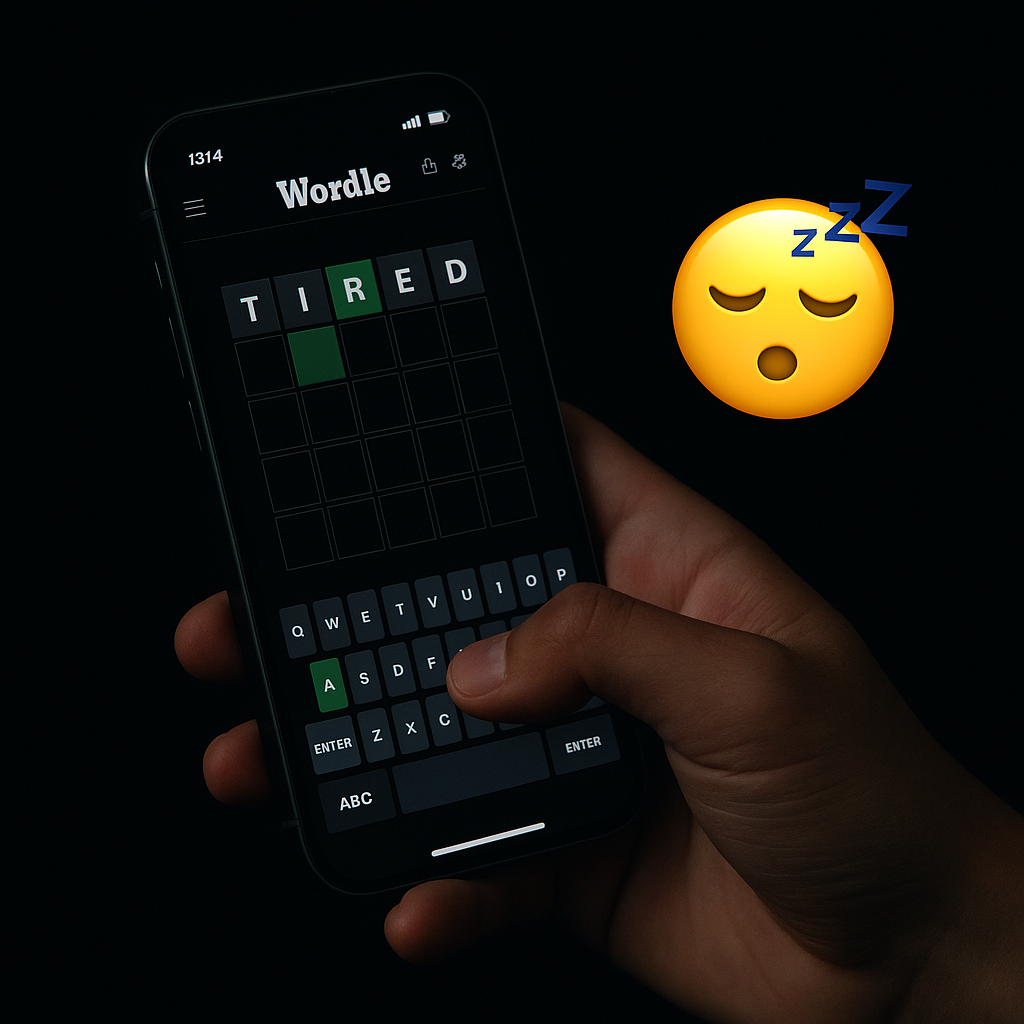
I keep Wordle installed for one very unromantic reason: it tells me whether I am struggling with a puzzle or just operating on fumes. If I open a big, systems-heavy mobile game on a bad day, I can waste ten minutes fiddling with settings, squinting at tiny UI, and blaming the app when the problem is simply that I am tired. Wordle is my tiny calibration tool. It loads fast, it does not care whether I am on 5G, LTE, or a shaky cafe Wi-Fi, and it asks for exactly six guesses. If I cannot get traction after the second line, I stop pretending I am about to grind anything meaningful and switch to something brainless. That sounds silly, but it has saved me from those nights where you are "relaxing" and somehow end up more annoyed.
Here is how I use it like a phone game, not a newspaper game. I turn on dark mode in the app or browser so I am not flashbanged at 11:30 pm. I play with my thumb in portrait, no stylus, no tablet posture. I do not chase streaks. I chase a clean two-minute loop where I can close the app and feel done. If I am waiting in line, I will do one guess, lock the phone, then come back for the next guess when the line moves. It tolerates interruptions better than most casual titles because nothing is timing out, no energy is wasting, and I am not reopening to a "Welcome back!" pop-up that eats the whole screen.
The tell that it is a good mobile pick is what it does not do. No push notifications trying to drag me back, no ads, no "limited-time" junk. It is a quick, quiet ritual that sits next to my other go-to apps like Notes and the Calculator. When my phone feels sluggish, Wordle also helps me diagnose that, because if the keyboard lags or taps do not register, I know it is the device, not some massive 3D game being demanding. And if I solve it cleanly, I have a green light to open something meatier without immediately bouncing off the first menu.
A pinball table that survives the app store's ad apocalypse
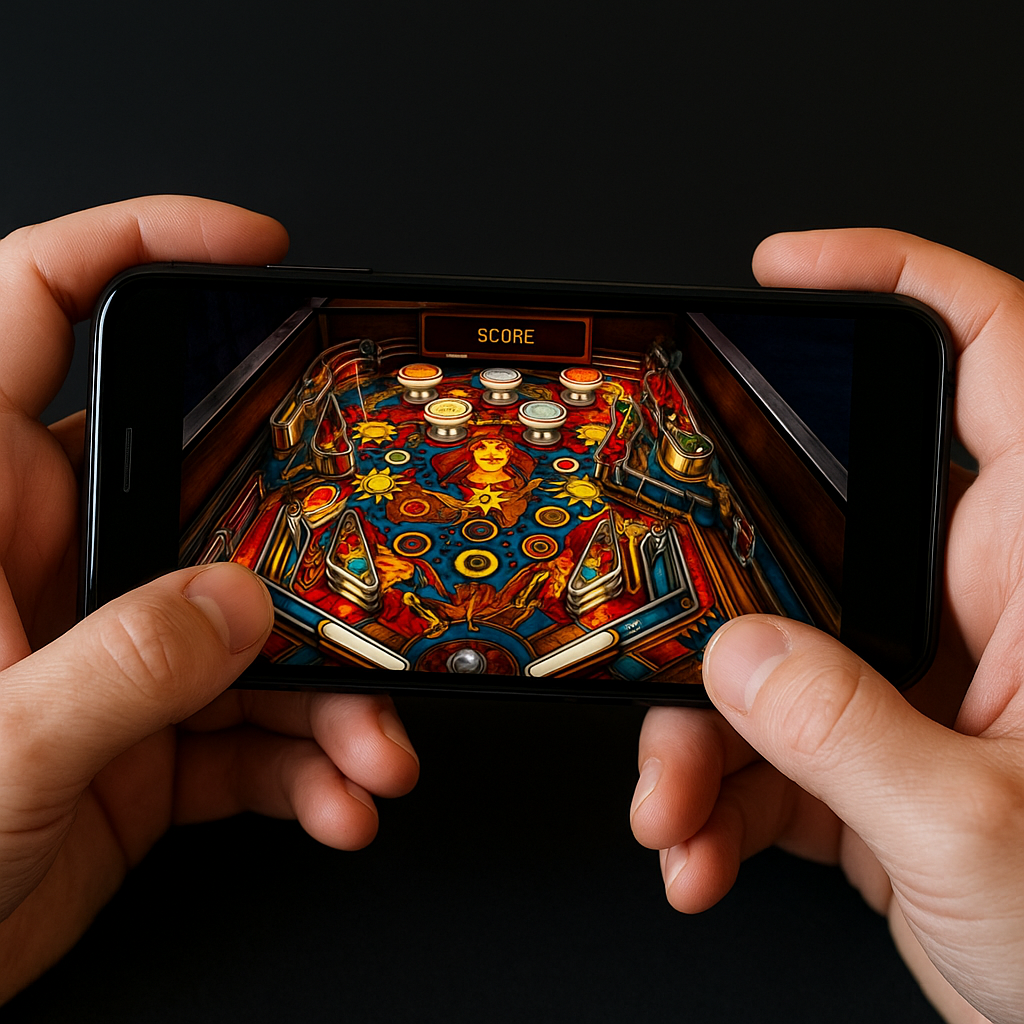
Pinball Arcade is the one I reinstall when I get that familiar mobile gaming burnout where every new download is a tutorial you cannot skip and an ad you cannot escape. Pinball is weirdly perfect on a phone because the rules are physical and obvious. Keep the ball alive, aim for the lit shots, and accept that you are going to drain sometimes. You can play with two thumbs in landscape, and the timing feels honest. When a shot bricks, it is your timing, not the game inventing a miss so it can sell you a booster pack.
I have played enough mobile pinball clones to know the failure mode: the "free" ones that hit you with an interstitial after every ball, then offer an $8.99 "remove ads" button that still leaves a store tab glowing in the corner like a smoke alarm. Pinball Arcade is not perfect, but it is stable, it is readable, and it feels like a real app, not a funnel. I keep one or two tables downloaded so I can open it in elevator-service conditions and still have something to do. The nice part is that you can treat it like a five-minute snack or an hour-long chase for a better score without changing your mental gear.
Practical stuff I learned the hard way: turn down the in-game music if you are playing in public. The sound effects are half the joy (the crisp clack of the flippers, the little mechanical chatter), but the music can get repetitive fast through phone speakers. Also, adjust the camera view until you can reliably see the flippers and the inlanes without squinting. On smaller screens, the default perspective sometimes makes the lower playfield feel cramped, and you will blame your reflexes when you really just cannot see the ball cleanly. If your phone has a case with a chunky lip, you will also want to re-check the flipper buttons, because some cases make edge taps less consistent. That is the kind of tiny, mobile-specific annoyance that can ruin an otherwise perfect waiting-room game.
When I have a spare minute and I do not want to get sucked into a gacha loop, I would rather chase a clean pinball run. It is pure muscle memory, and it does not ask me to babysit a battle pass. I close it and I am done. No chores waiting when I come back.
A match-3 that respects airplane mode and your time
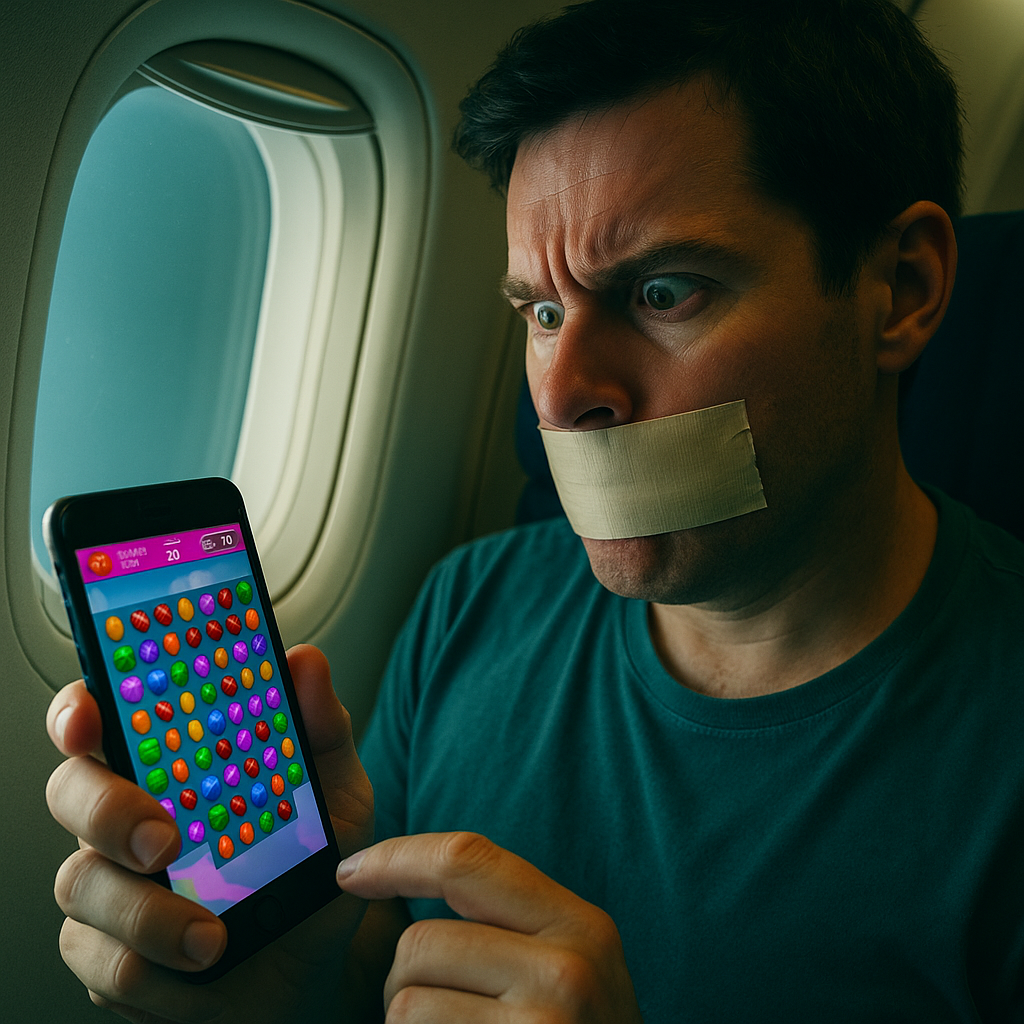
Candy Crush is the baseline match-3 I keep around because I know exactly what it will feel like on any phone, in any line, with any connection. It is not the newest, and it is not trying to be. That is the point. When I am stuck in a parking lot waiting for someone to run inside, I want muscle-memory play where I do not have to read patch notes, learn new currencies, or sit through a "welcome back" storyline recap. Open the app, play a level, close the app. If I get interrupted, I can put the phone to sleep mid-move and it is fine.
The mobile-app angle here is that it is consistent under bad conditions. When I switch to airplane mode (or I am somewhere my phone is clinging to one bar of LTE), plenty of newer casual games will hang on loading, throw a connection warning, and then dump me back to the title screen. With Candy Crush, most of the core play is self-contained. You can still burn a few minutes clearing jelly without negotiating with a server. That is why it is my "I need something that will open" download, even if I am not in a Candy Crush era.
Two things make it work better, and both are about treating it like an app, not a lifestyle. First, I mute notifications. I do not need my lock screen begging me to come back for a free life. Second, I set myself a hard stop: one episode, or three failed attempts on the same level, whichever comes first. Match-3 games are masters at keeping you in the "one more" loop because failure feels close, and close feels like progress. If I do not put a fence around it, I look up and twenty minutes are gone and my phone is warmer than it has any right to be for a game about candy.
There is also a small, practical reason I like it: it is readable. The candies are big, the colors are distinct, and I am not playing a tiny-object game that makes my eyes tired. When I am on a smaller screen or I forgot my glasses, that matters more than I want to admit. If you are building a tiny roster of mobile games you can count on, keep one that launches quickly, plays in short bursts, and still feels fine when you are offline, distracted, and doing it one-handed.