
One phone, one Discord call, and one in-game stat screen will tell you if tonight's lobby is doomed.
The Discord call test that catches sneaky jitter
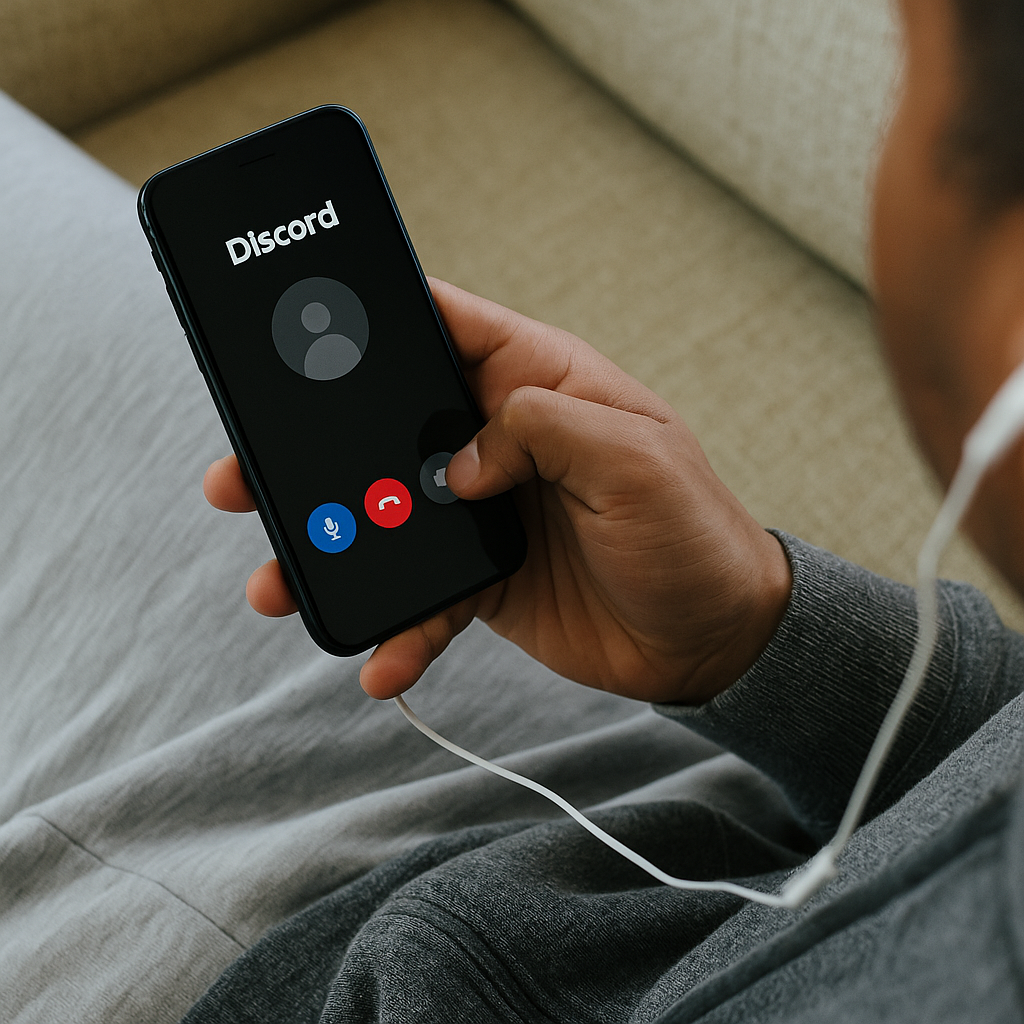
I stopped trusting speed tests for mobile nights the moment I watched my download number look great while my character rubber-banded like it was on a leash. What I do now is embarrassingly low-tech: I start a Discord call (any friend, even a quiet one who'll just let the line stay open), put in earbuds, and I walk around the exact spot where I play. Not the kitchen where the router lives, not standing in the hallway like a proud network engineer. The couch. The bed. The corner where I normally doom-scroll and then decide to play one match.
Listen for it: tiny dropouts, syllables clipping, that robotic warble when you say "yeah" and it comes out "y-eh." That's jitter and packet loss, and in online play it shows up as hit-reg feeling off, delayed ability triggers, and that weird moment where you swear you tapped but the game swears you didn't. If the call is clean, I open the game and queue. If it isn't, I don't even argue with myself. I flip one thing at a time: Wi-Fi off and on, then airplane mode for ten seconds, then I switch bands if my router has both (2.4 GHz can be steadier through walls, 5 GHz can be snappier when you're close). On iPhone I also turn off "Low Data Mode" if it's been messing with background services; on Android I check that "Adaptive Connectivity" isn't being overly clever.
The best part is this test catches the stuff that ruins a lobby socially. Nobody gets mad at you for a bad speed test screenshot. They get mad when your comms cut out mid-fight, or when you're a half-second behind and it looks like you're ignoring the plan. A clean Discord call doesn't guarantee perfect ping, but if it sounds bad, your night is going to feel bad.
Read the first 30 seconds of the match like a network log
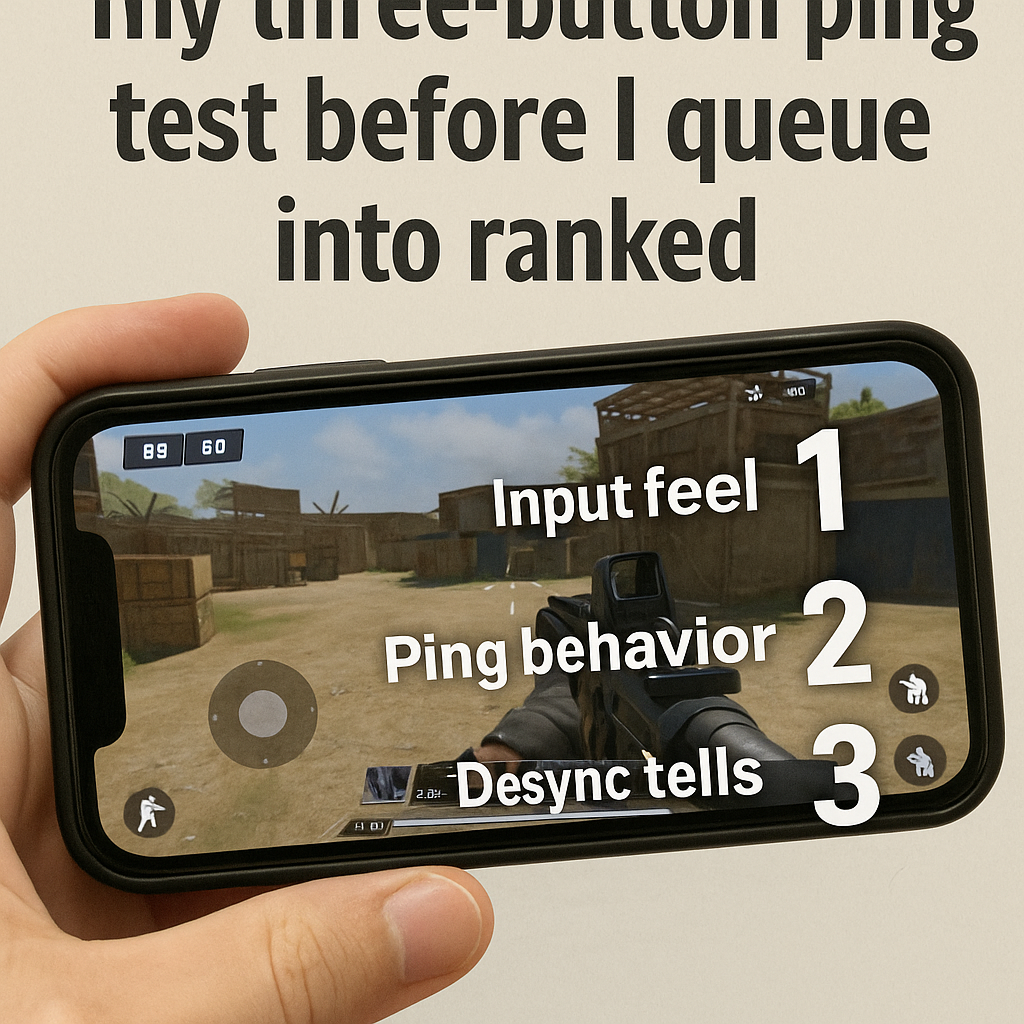
Most people wait until something goes wrong, then they start blaming teammates, balance, or "servers." I treat the first 30 seconds like I'm reading a little story the netcode is telling me. You can do this in basically any mobile competitive game that shows a ping indicator, an FPS counter, or even just the vibe of input response. When the match loads, I do three quick checks before I commit to playing like it's a finals match.
- Input feel: I do a dumb, repeatable action. A quick aim drag, two ability taps, a short sprint stop. I'm not trying to win the warmup. I'm watching for delayed animations and that "sticky" feeling where the game catches up after you stop touching the screen.
- Ping behavior: A steady 70 ms is playable. A ping number that hops 40 to 120 to 60 is where the weirdness lives. Spikes are what create those "I was behind cover" arguments.
- Desync tells: Watch other players, not yourself. If people jitter forward in little snaps, or projectiles land with a noticeable delay, that's not your thumbs. That's the connection.
If any of those are off, I change my goal for that match immediately. I stop taking coin-flip fights, I play for objectives that don't require frame-perfect timing, and I avoid the hero plays that make you look like you're throwing when the server disagrees with your screen. In Fortnite on mobile, for example, I can feel the difference between clean builds and the kind where placements "ghost" for a split second. In shooters, it's the hit markers that arrive late, like the game is sending them through the mail.
I'm not saying quit every time the connection isn't perfect. I'm saying read the room early. Online play punishes denial. If you adjust in the first minute, you salvage the rest of the lobby instead of spending ten minutes furious at a problem you can't out-aim.
Turn your phone into a latency lab (no apps required)
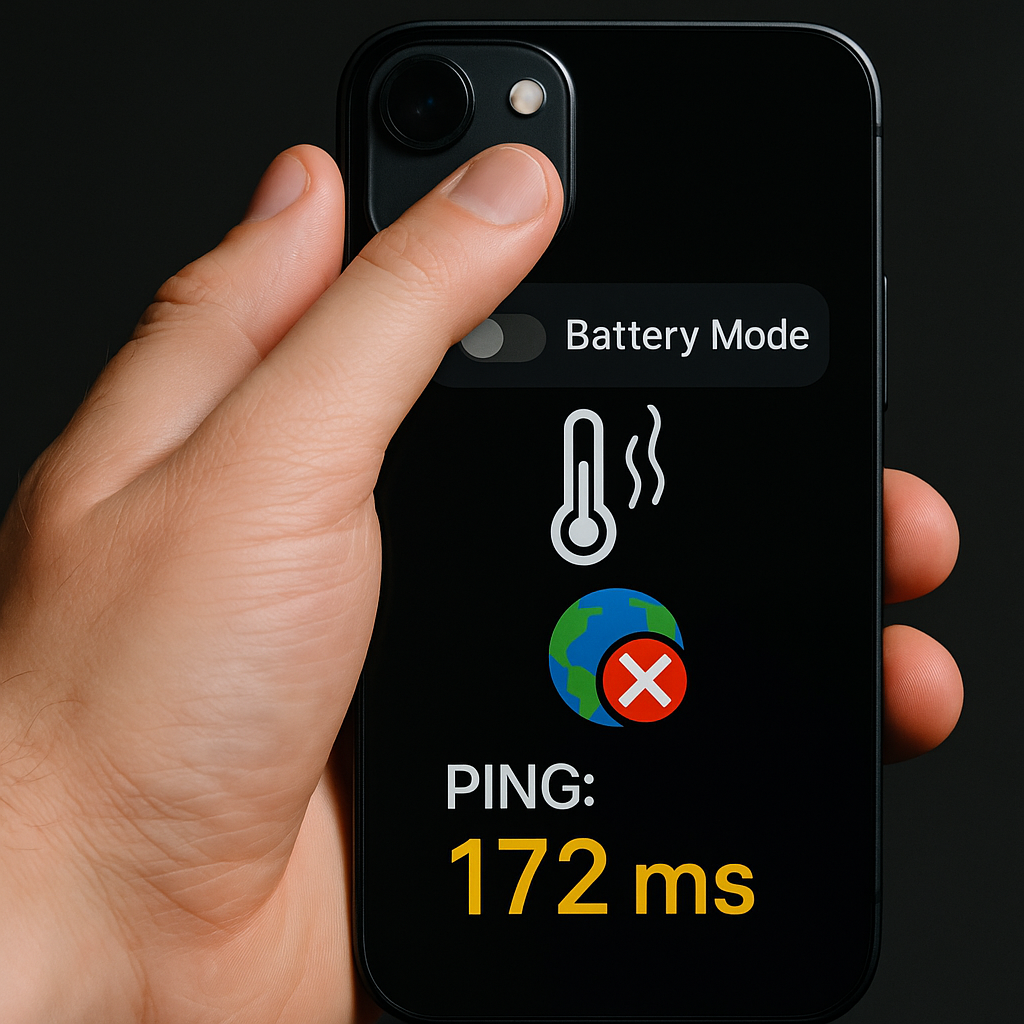
Here's the part that fooled me for months: not all "lag" is ping. On mobile, a hot phone can mimic network issues so well that you start chasing your router when the real culprit is thermal throttling and background junk. I don't install a toolbox app for this. I just use what's already on the device and one boring habit.
First, I check battery mode. If Low Power Mode is on (iOS) or Battery Saver is on (Android), I turn it off before I queue. Those modes love to clamp background processes and CPU behavior, and some games feel like they're wading through syrup when the phone is trying to be frugal. Second, I look at temperature the low-budget way: I touch the screen near the top edge and the back near the camera bump. If it's noticeably warm, I pop the case off. Cases trap heat, and a warm slab of glass turns into frame drops, which turns into "why did my input not register" in the middle of an online fight.
Then I do a quick background cleanup that doesn't nuke my whole life. I close TikTok, Instagram, and any browser tab that's playing video. If I'm on Android, I also check that no VPN is running. A VPN can be fine for privacy, but it can also add an extra hop and turn your ping into a mystery novel. On iOS, I make sure iCloud Private Relay isn't doing anything weird on the network I'm on. If I'm playing on cellular, I glance at the signal type and bars. Two bars of 5G that keeps flipping to LTE is usually worse than a steady LTE connection. Consistency wins online.
Last, I lock in the one setting that helps my brain: I turn on the in-game ping display if it's available. I want a number I can point at when the match feels off. If my ping is stable but my frames are stuttering, I stop blaming the lobby. I lower graphics, cap FPS, and keep playing. If the ping is spiking while the phone feels smooth, I know it's network night, not skill night, and I play accordingly.