
Three in-game checks (not speed tests) to find whether your phone, router, or server is the problem.
Run a private 1v1 before you touch your settings
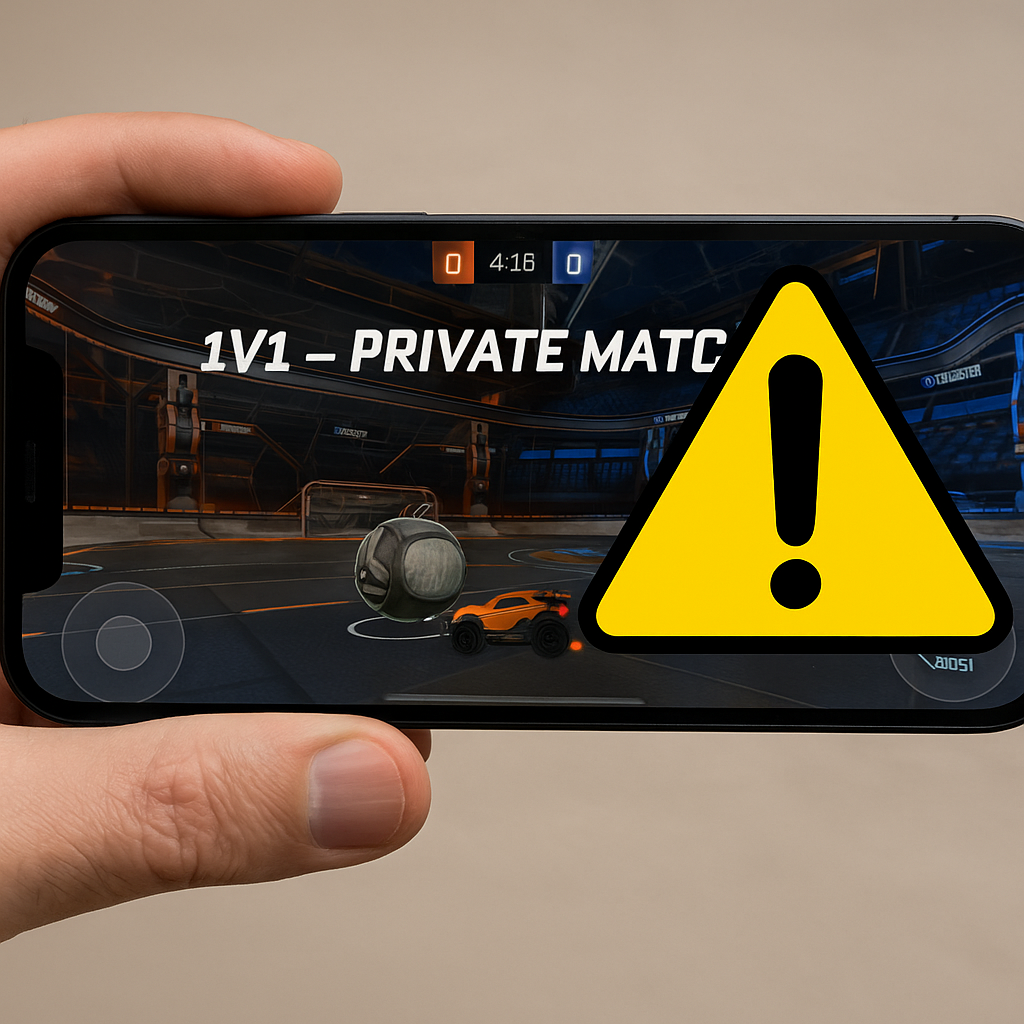
When my phone starts rubber-banding in a ranked queue, my first instinct used to be to reboot the router and spiral. Now I do one thing first: I run a controlled match that answers, in about 90 seconds, whether I'm dealing with my network, my device, or the game server. Pick the most stable online game you have installed that supports custom rooms or friend lobbies (Call of Duty: Mobile private match, PUBG Mobile room if you have access, Brawl Stars friendly battle, even a 1v1 in Rocket League Sideswipe). Invite one friend who lives in your region and, ideally, plays on Wi-Fi too. If you don't have that friend, join a low-stakes unranked mode and treat it like a test.
You're not trying to win. You're watching three tells: (1) the ping indicator behavior, not the number. A steady 70 ms that spikes once is different from a 40 ms that jitters every second. (2) input delay vs world delay. If your fire button feels late but the world looks smooth, that's often the phone choking (thermal throttling, background junk) more than pure connection. If the world stutters and you see teleporting players, that's the network path. (3) whether the problem tracks the lobby. Quit and immediately join a second lobby or a different mode. If the stutter disappears in the second match without you changing anything, you probably got a bad server instance or a congested route for that session. That happens more than people want to admit.
I like this approach because it uses the game client as the measuring tool, which is the whole point of Online Play. A generic speed test might look fine while your router is dropping tiny bursts of packets that only show up as hit-reg weirdness and mid-fight micro-freezes. The private 1v1 also keeps variables low: fewer players, fewer crazy particle effects, less random chaos. If the test match is clean and ranked is a mess, I stop blaming my Wi-Fi and start looking at server load times, peak hours, and which playlist is having issues. It's boring, but it saves you from chasing the wrong fix.
The 5 GHz trap: when “faster” Wi-Fi makes you drop packets
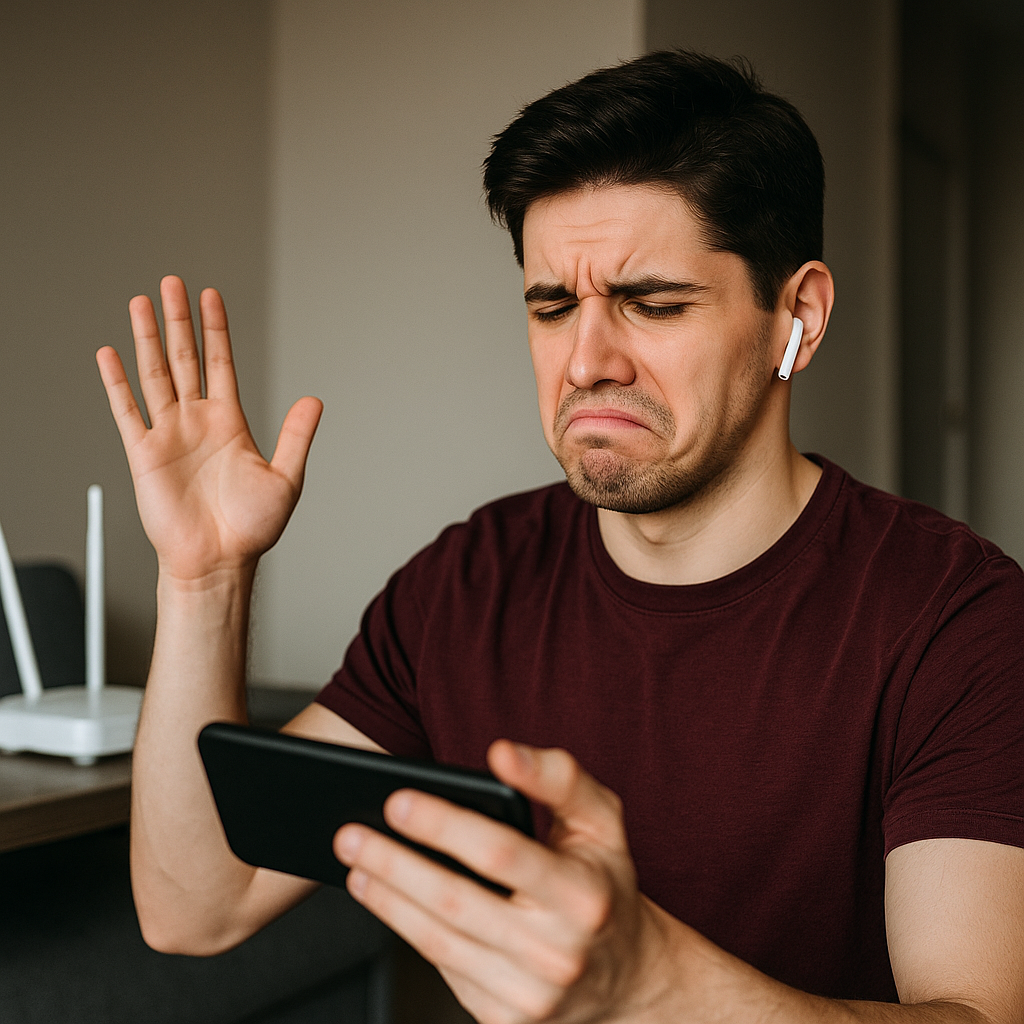
Here's the thing that keeps fooling people: 5 GHz (and 6 GHz, if you have Wi-Fi 6E) can be amazing for online matches, but it can also be the reason your phone feels like it's lag-switching when you walk from the couch to the kitchen. 5 GHz doesn't punch through walls as well as 2.4 GHz. So you get this sneaky pattern where your ping looks great for a minute, then you hit a doorway and your connection quality falls off a cliff. The game doesn't always show it as “disconnect.” It shows up as missed shots, delayed ability triggers, or that little “reconnecting” spinner at the worst possible time.
When I'm troubleshooting mobile lag, I do a simple movement test: I start a match standing right next to the router for 30 seconds, then I walk to the spot where I usually play and keep moving my phone the way I naturally would (because yes, people tilt and shift without realizing it). If the spikes start when I change position, it isn't the game and it isn't your ISP. It's signal quality. On a lot of routers, band steering will keep trying to “help” by bouncing you between 2.4 and 5 GHz when it thinks one is stronger. That handoff is not your friend mid-match.
Fixes that have worked for me, in order of least annoying to most: separate your SSIDs so you can manually pick 2.4 GHz or 5 GHz, then stick to one during a session; disable “smart connect” or band steering if your router has it; and if your router is tucked behind the TV or wedged inside a cabinet, pull it into the open. One ugly router on a shelf beats a pretty router in a box. If you're on an iPhone, also check that Low Power Mode isn't on, because iOS gets aggressive about background radio behavior and it can make Online Play feel inconsistent in a way that's hard to pin on one thing. On Android, I look for “Adaptive connectivity” or battery optimization settings that decide they know better than you.
None of this is theory. The dead giveaway for the 5 GHz trap is when your match feels perfect at the start, then degrades in waves as you shift around, even though nobody else in the lobby seems affected. When you lock to the band that works best in your actual play spot, the “random” lag suddenly has a schedule, and then it disappears.
Stop losing fights to your own phone's heat

People call it “lag” because that's what it feels like in Online Play, but a chunk of the time it's your phone melting down, not your connection. I learned this the hard way in long sessions of Wild Rift and COD: Mobile: the first two matches are sharp, then my aim starts to feel floaty and my timing gets late. If I glance at the top of the phone and it's hot enough that I don't want it on my palm, the CPU and GPU are already making choices behind my back. Thermal throttling shows up as inconsistent frame pacing. The game is still connected, but your inputs arrive on time and get rendered late, which looks like you lost a 1v1 to “desync.”
My quick check is stupid simple: turn on the in-game FPS display if the game has one, or use your phone's built-in gaming overlay (Samsung Game Booster, ASUS Armoury Crate on ROG phones, OnePlus Games). Watch for drops from, say, 60 to 45, or 120 to 90, especially when nothing visually intense is happening. If your ping is stable but your FPS is bouncing, that's device-side. Also pay attention to audio. When my phone is overheating, I sometimes hear tiny crackles or delays in voice chat before the visuals get obviously choppy. Discord and in-game comms are canaries.
The fixes aren't glamorous, but they work: take the case off during sessions if it's a thick one; drop screen brightness a notch; and cap your frame rate instead of chasing the max. A locked 60 that stays locked will win more fights than an “up to 120” that turns into a slideshow in the final circle. If you're charging while playing, stop. Charging heat plus game heat is how you end up with a phone that feels like a hand warmer and an on-screen joystick that drifts. If you must top up, use a slower charger or charge between matches.
One more thing I do before I blame servers: close the apps that quietly keep the radio busy. Cloud photo backup, a VPN, and a browser with 30 tabs can all make your phone do extra work and add jitter to the exact moment you're trying to keep a steady tick rate. Online Play is unforgiving like that. When the device is cool and consistent, suddenly your “bad ping days” get a lot rarer, and you can tell the difference between a real server issue and your phone begging for a break.