
A $15 adapter, one router tweak, and a cache reset can make mobile sessions feel like a clean PC launch.
Use a USB-C to Ethernet dongle for ranked nights
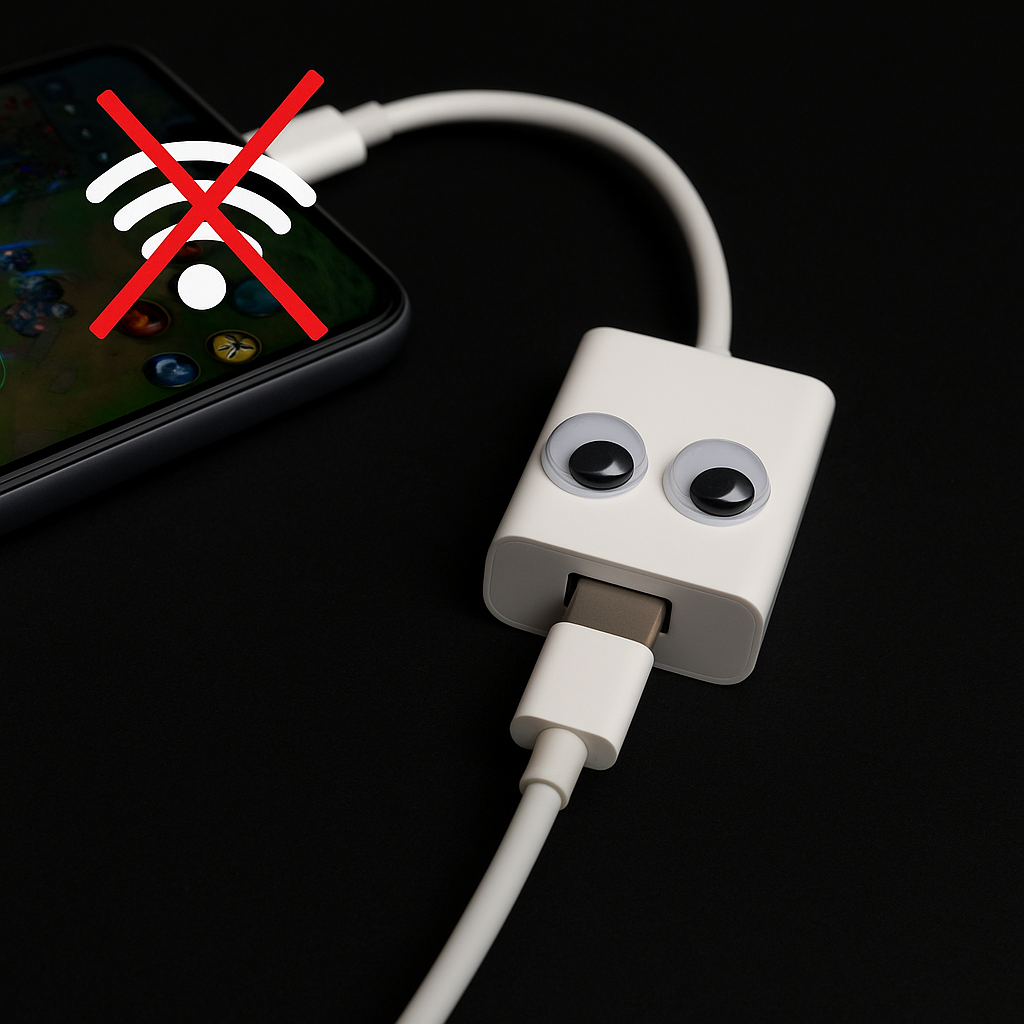
If you only try one thing from this whole list, do this on the nights you care about your MMR. I keep a USB-C to Ethernet dongle in the same drawer as my spare earbuds, because mobile Wi-Fi is the kind of "fine" that turns into a surprise slideshow the second your neighbor starts streaming a 4K movie. Wired doesn’t magically give you zero ping, but it strips out the random packet loss that makes your shots feel late and your dodges feel like they got eaten.
The setup is boring in a good way: phone or tablet (USB-C), dongle with Ethernet, and a cable to your router or switch. If you’re on an iPad with Lightning, you can do it with Apple’s adapter, but iOS is pickier and it’s not as plug-and-play as Android. On my Pixel, the network icon flips over in a second and suddenly Wild Rift or Call of Duty: Mobile stops doing that little "rubber band" hiccup right as a fight starts.
A couple details that save you from thinking it’s not working: keep your phone charged while you do it. Some cheap dongles pull enough power that your device will throttle brightness or get warm and then you’re trading one annoyance for another. If your dongle has pass-through power (USB-C PD), use it. Also, turn Wi-Fi off after you plug in. Phones love to "help" by hopping back to Wi-Fi if it looks stronger, which is how you end up wired but still unstable.
This isn’t a forever lifestyle choice. It’s a "ranked set" choice. I’ll play casual on Wi-Fi all day, but if I’m queueing with friends and I don’t want to be the one apologizing in voice chat, I go wired and forget about it.
Give your router one job: prioritize your phone
Every home network has that moment where everything is "working" and gaming still feels bad. The tell is consistency. Your average ping might look fine, but the jitter is all over the place, and on mobile that reads like sticky aiming, delayed ability casts, and the classic "I swear I hit it" death recap. That’s usually not the game. It’s your router doing buffet-style service for every device in the house.
I’m not going to tell you to buy new gear. Start with the settings your router already has: QoS (Quality of Service) or anything labeled Smart Queue Management, Traffic Prioritization, or Gaming Mode. The goal is simple: when your phone is in a match, it should win the line. On a lot of consumer routers (ASUS, TP-Link, Netgear), you can pick a device from a list and set it to highest priority. If your router lets you set bandwidth limits, cap your house a little under your actual upload speed. Upload is where most homes choke, and when upload chokes, latency goes weird in both directions.
Concrete example from my place: if someone starts a big iCloud upload or a Google Photos backup, my mobile matches get that micro-stutter that looks like "my finger didn’t register." I set my phone as priority and set a modest upload cap in the router so the queue doesn’t blow out. Suddenly the stutter disappears. Same phone, same room, same game.
Two things to watch for so you don’t chase ghosts. First, some "Gaming Mode" toggles are just marketing that crank up radio power or switch channels and can make things worse. If your router offers SQM (often fq_codel or CAKE on the more nerdy firmwares), that’s the good stuff. Second, if you game on cellular sometimes, QoS won’t help you there. It’s not a cure-all. It’s a way to keep your own network from griefing you while you’re trying to top frag.
If you want a quick proof, run one match with a big upload happening (send yourself a huge video), then run another after enabling prioritization. You’ll feel it before any speed test admits it.
Clear one cache: the game, not your whole phone
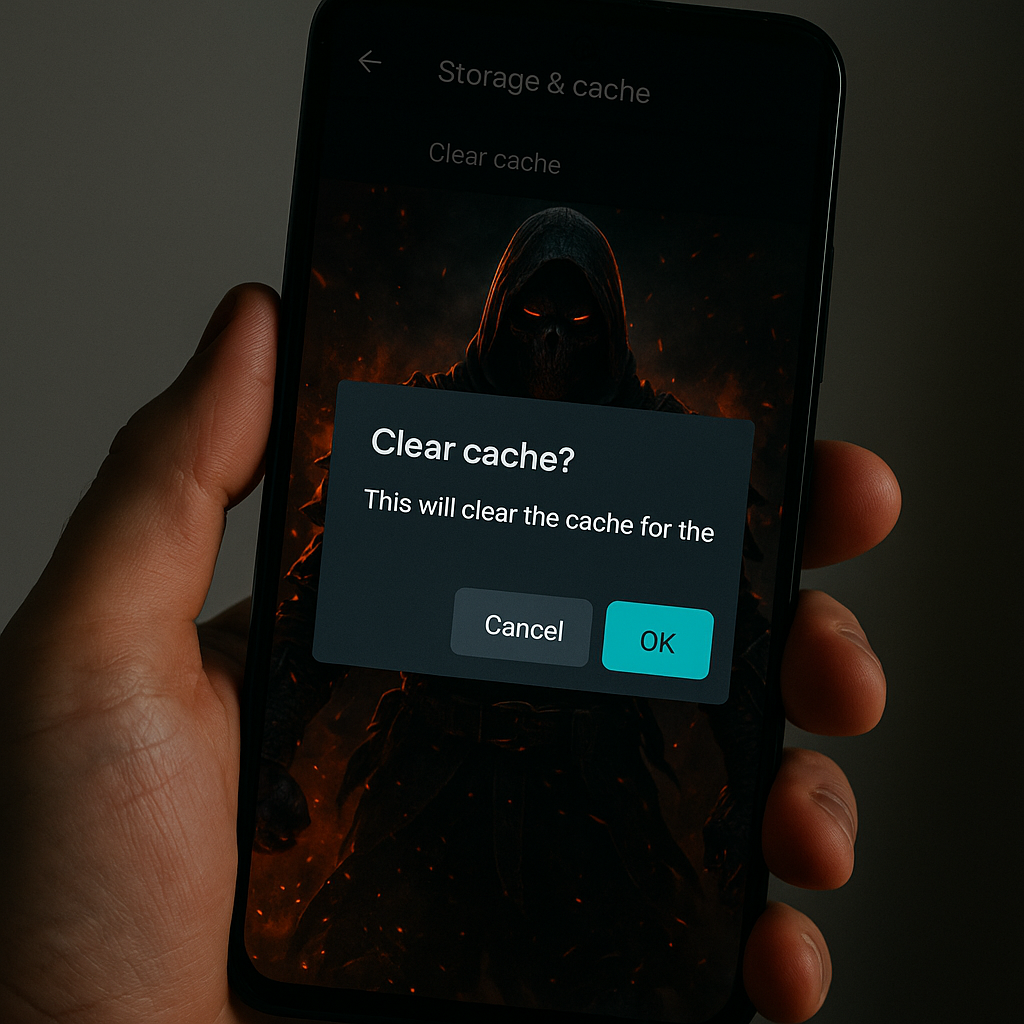
Mobile games patch like they’re running a tiny live-service inside your pocket, because they are. After a few seasons, limited-time events, and texture packs, you can end up with a build that technically launches but feels off: longer load screens, hitching during the first fight, audio desync, or that ugly half-second freeze when a big ultimate goes off. It’s the same vibe as a PC game after a driver update when shaders are rebuilding and everything stutters at the worst possible time.
My rule is: clear the cache for the specific game first, not the whole phone and not a "cleaner" app (those things are chaos). On Android, it’s Settings > Apps > [Game] > Storage & cache > Clear cache. That keeps your account, downloads, and login intact in most cases, but it dumps the temporary junk that can get corrupted after an update. If the game still feels haunted, then consider Clear storage, but assume that means a full re-download and a new login, and do it only when you’ve got stable Wi-Fi and your password manager handy.
There’s a very specific moment where you’ll know you did the right thing: the next launch takes longer than normal and the first match might hitch a little, then everything smooths out and stays smooth. That’s the rebuild. Let it happen in a bot match or a casual queue, not in ranked. I learned that one the dumb way in PUBG Mobile, where the first hot drop after a patch felt like playing through wet cement.
Also, watch your storage headroom. When your phone is down to the last couple GB, updates get messy. I try to keep at least 8 to 10 GB free on devices I game on, because modern titles are basically shipping a console-sized asset library.
No magic here. Just maintenance. The same boring stuff you do on PC, translated to a touch screen.