
A wired Ethernet dongle, a clean 5 GHz check, and one iOS setting fixed my rubber-banding in three different mobile shooters.
Plug in Ethernet once and see if it's you or the server
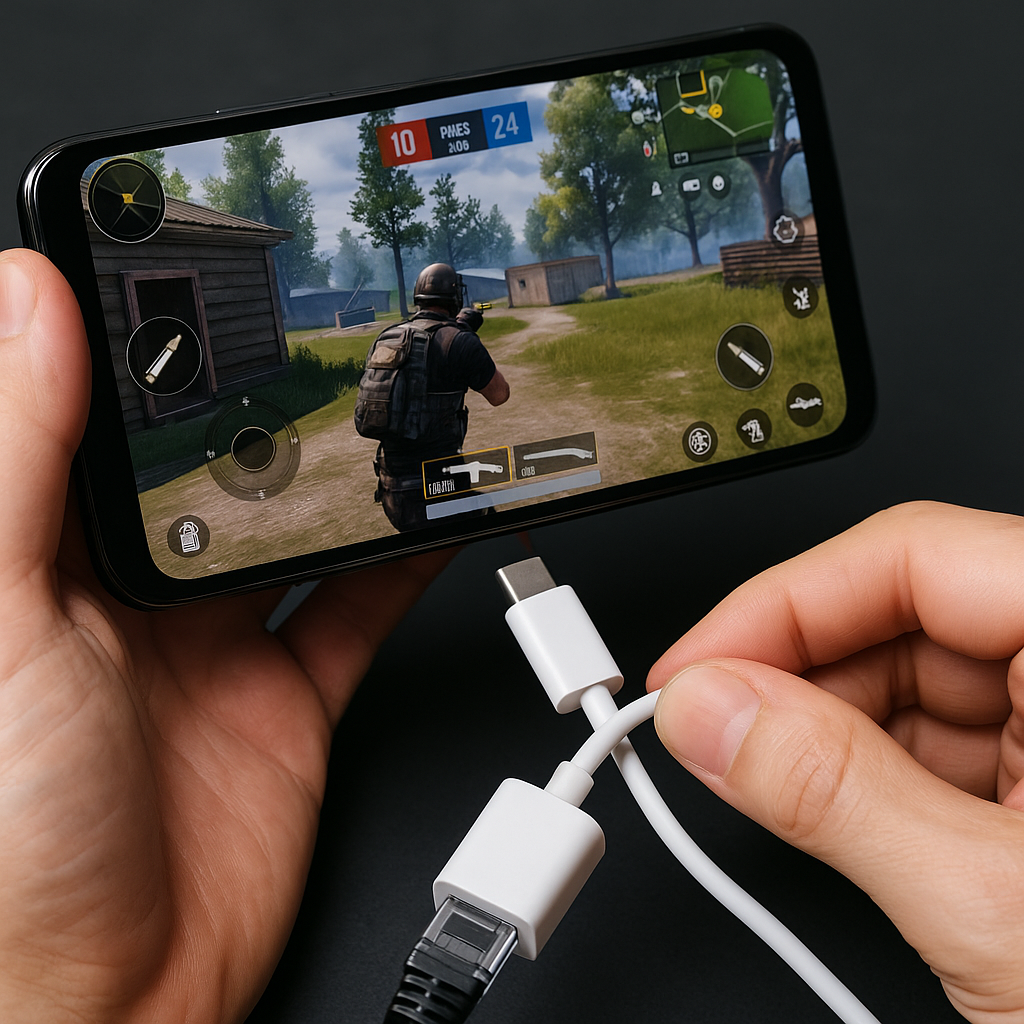
When someone says their phone "lags," I always want to ask one annoying question: is it your connection, or are you just getting a bad server? On console or PC you can glance at a network graph, but on mobile we tend to hand-wave it and blame "Wi-Fi." The quickest way I know to stop guessing is to plug your phone or tablet into Ethernet once and play two matches. Not forever, just long enough to learn what kind of problem you have.
If you're on USB-C (most Android, newer iPad), a cheap USB-C hub with Ethernet is fine. If you're on iPhone with Lightning, you need Apple's Lightning to USB 3 Camera Adapter plus a USB Ethernet adapter, which is clunkier but works. The point is to create a controlled test: same game, same time of day, same playlist, same everything, except your connection is now wired. I do this with a game that punishes hiccups immediately, like Call of Duty: Mobile or PUBG Mobile, where rubber-banding and "I shot first" deaths are obvious. In MOBAs like Wild Rift, a half-second freeze shows up as a missed smite or a skillshot that goes off after you've already died.
Here are the only results that matter. If the wired match feels clean (no teleporting, no weird hit registration, no sudden ping spikes), your issue is your Wi-Fi environment. That's good news because it's fixable at home. If the wired match still stutters and your ping climbs anyway, stop rearranging your router and start looking at the game: server region, peak hours, matchmaking putting you cross-region, even a bad update. I've had nights in Brawl Stars where every match felt like mud, and the next morning it was crisp again without me touching a thing. Ethernet saved me from spending an hour "optimizing" a problem that wasn't mine.
Bonus: if you stream your screen to Discord or use voice chat, keep that on during the test. Voice is the canary. When your mic starts robotic or cuts out, you're watching packet loss in real time.
The 5 GHz check I do before I blame my thumbs
I don't have a fancy home lab, but I do have a repeatable little ritual before I queue ranked on mobile: I check which band I'm on, I check how many devices are screaming, and I move my body like a Roomba until the connection stops being dumb. It takes about one minute, and it's saved me from plenty of "why does my aim feel off" nights that were never about aim.
First, make sure you're on 5 GHz (or 6 GHz if you have Wi-Fi 6E) and not glued to 2.4 GHz because your router named both networks the same thing. 2.4 goes farther, but it's crowded, and crowded equals jitter. On iPhone, I open Wi-Fi, tap the network, and look for "Low Data Mode" (I want it off for gaming) and "Private Wi-Fi Address" (fine either way). On Android, I usually tap the network details and confirm the frequency. If you can't tell, the simple move is to split your SSIDs so the 5 GHz network has a different name, then you pick it on purpose. It's not glamorous, but it's the kind of boring fix that makes Call of Duty: Mobile stop doing that little micro-freeze right when you slide-cancel into a gunfight.
Then I look around my space like I'm setting up a LAN party, because that's basically what a busy apartment is now. If I'm playing near a microwave, I move. If I'm behind a TV or a metal desk, I move. If my Bluetooth controller is connected and my earbuds are also on Bluetooth, I test with one of them off because Bluetooth and 2.4 GHz Wi-Fi can step on each other in a way that feels like "input lag" even though it's really radio noise. In rhythm games like Cytus II or DEEMO, that kind of wobble is brutal because you're chasing timing, not just reacting.
Finally, I do one quick in-game sanity check that isn't placebo: I turn on whatever network/ping display the game offers (CODM has it, many shooters do), and I watch it for 30 seconds in the lobby. I'm not hunting for a perfect number, I'm hunting for stability. A steady 60 to 80 ms can play better than a 25 ms reading that jumps to 180 every few seconds. If it spikes in the lobby, it will spike in a fight. I don't hero through that. I either reboot the router, move to a different room, or I play something single-player and stop donating rank points to the internet.
iOS Wi-Fi Assist and Android "Adaptive" toggles can sabotage ranked
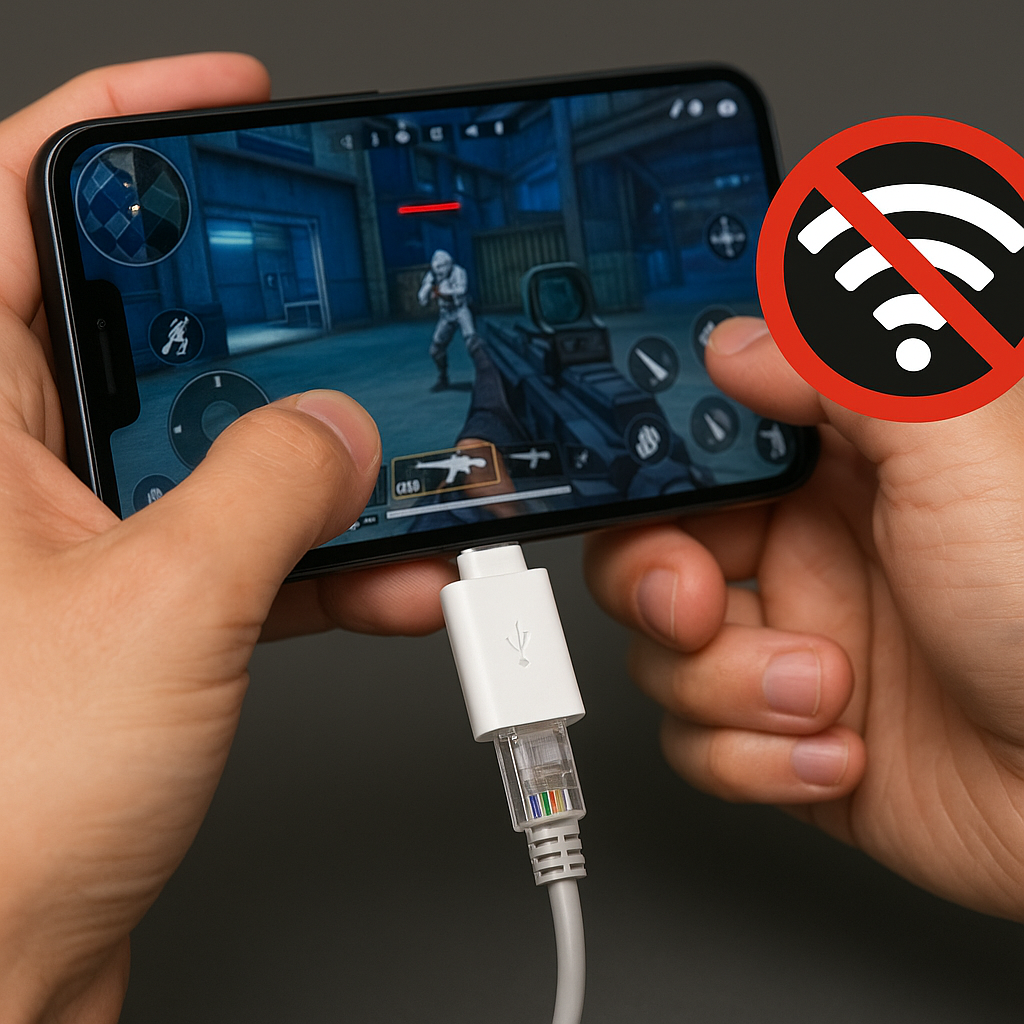
The nastiest mobile-gaming lag isn't always "slow internet." Sometimes it's your phone making a perfectly reasonable decision for normal life (keep the connection alive!) that turns into a tiny disaster for competitive play (switch networks mid-fight!). The two culprits I see the most are iOS Wi-Fi Assist and a grab bag of Android settings with names like "Adaptive connectivity," "Switch to mobile data," or carrier "Smart network" features.
On iPhone, Wi-Fi Assist lives under Settings > Cellular (scroll all the way down). When it's on, the phone will quietly use cellular data if your Wi-Fi is weak. That sounds great until you're in a ranked match on Wi-Fi, your router has a brief hiccup, and your phone decides to blend networks. In a shooter, that can look like you rubber-band once, your ping doubles, and the killcam makes you look like you walked into bullets on purpose. I turned Wi-Fi Assist off years ago after one specific Apex Legends Mobile session where my character would stutter exactly once every minute, like a metronome. It wasn't the server, it wasn't my router. It was my phone "helping" by testing the escape hatch.
Android is harder because manufacturers and carriers love to rename the same behavior. The tell is the same though: if your ping graph (or the feel of the game) has sudden cliffs instead of gentle waves, your phone may be hopping between Wi-Fi and mobile. Go into Network & Internet settings and look for anything that implies automatic switching. Samsung has had "Switch to mobile data" options tied to "Intelligent Wi-Fi" in some builds. Google Pixel has had "Adaptive Connectivity" features. Some carrier apps add their own sauce. Turn those off for a night and see if the match-to-match feel gets boring, in the best way.
Two practical notes from doing this the wrong way first. One, if you have spotty Wi-Fi and you rely on Wi-Fi Assist to keep FaceTime from dropping, don't forget you turned it off. I toggle it back on after I'm done grinding. Two, if you're on limited data, mixed networking can burn through your cap without you noticing because the phone isn't asking permission mid-match. Nothing like checking your bill after a weekend of Genshin co-op and discovering your phone treated your router like a suggestion.
Mobile esports players obsess over controllers, thumb sleeves, and sensitivity curves. Fair. But if your phone keeps "saving" you with a network swap, your perfect settings won't matter.