
Three small tweaks, touch settings, sound, and timing, that make casual games feel less irritating and more fun.
Turn on the boring phone settings that win games
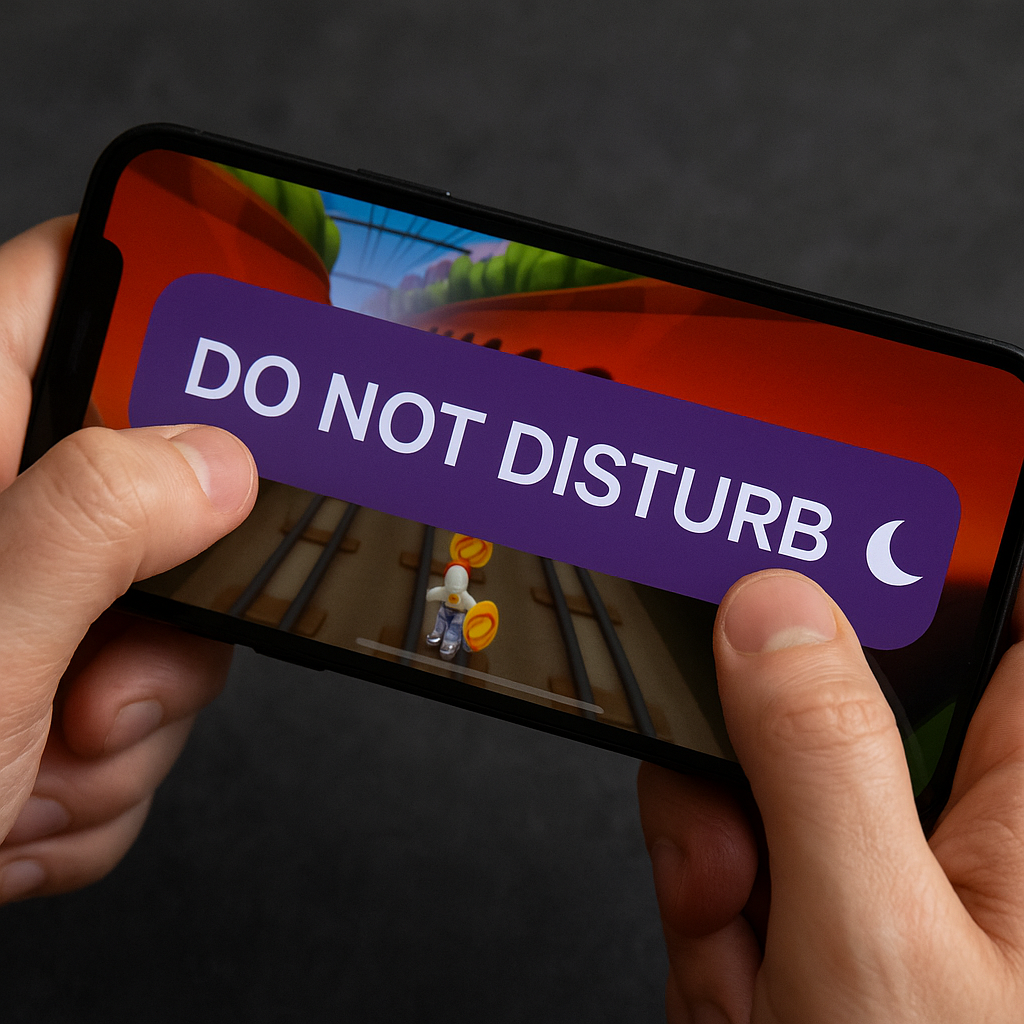
I used to blame "lag" for everything in mobile games. Then I noticed it was mostly me fighting my own phone: notifications sliding down mid-run, the screen dimming right as I hit a boss in Archero, my thumb missing a swipe because the glass was a little slick from lunch. None of that is glamorous, but it is fixable in under ten minutes.
Start with the stuff that ruins a streak. Turn on Do Not Disturb or Focus (yes, even if you think you can ignore banners). Those tiny haptics and pop-ups mess with your timing, especially in twitchy casual games like Subway Surfers or Crossy Road where one accidental pause is basically a death sentence. Next, lock your brightness. Auto-brightness is great for walking outside, and terrible for a couch session when the screen decides the room is "dark" and dims on you during the one ad-free run you were proud of. On iPhone, also check that Low Power Mode isn't on. It can cap performance just enough to make certain animations feel mushy, which is where your brain starts doing that ragey "I swiped!" thing.
Then the unsexy one: clean the screen properly. Not your shirt. A microfiber cloth, or the corner of a glasses wipe. Touch recognition in games like Candy Crush or Marvel Snap feels wildly different when your finger drags instead of glides. If you use a matte screen protector, pay attention to it in games that rely on micro-swipes (think 2048 or those endless runners). Matte can be awesome for glare, but it can also add a little resistance that makes you over-swipe and panic-correct.
Finally, if the game has it, turn off camera shake and reduce screen effects. A lot of mobile titles hide those in Settings like it's a shameful secret. Less visual noise makes it easier to read what's happening, which is the whole point of playing for fun instead of fighting your own UI.
Play with sound on (but not the way you think)
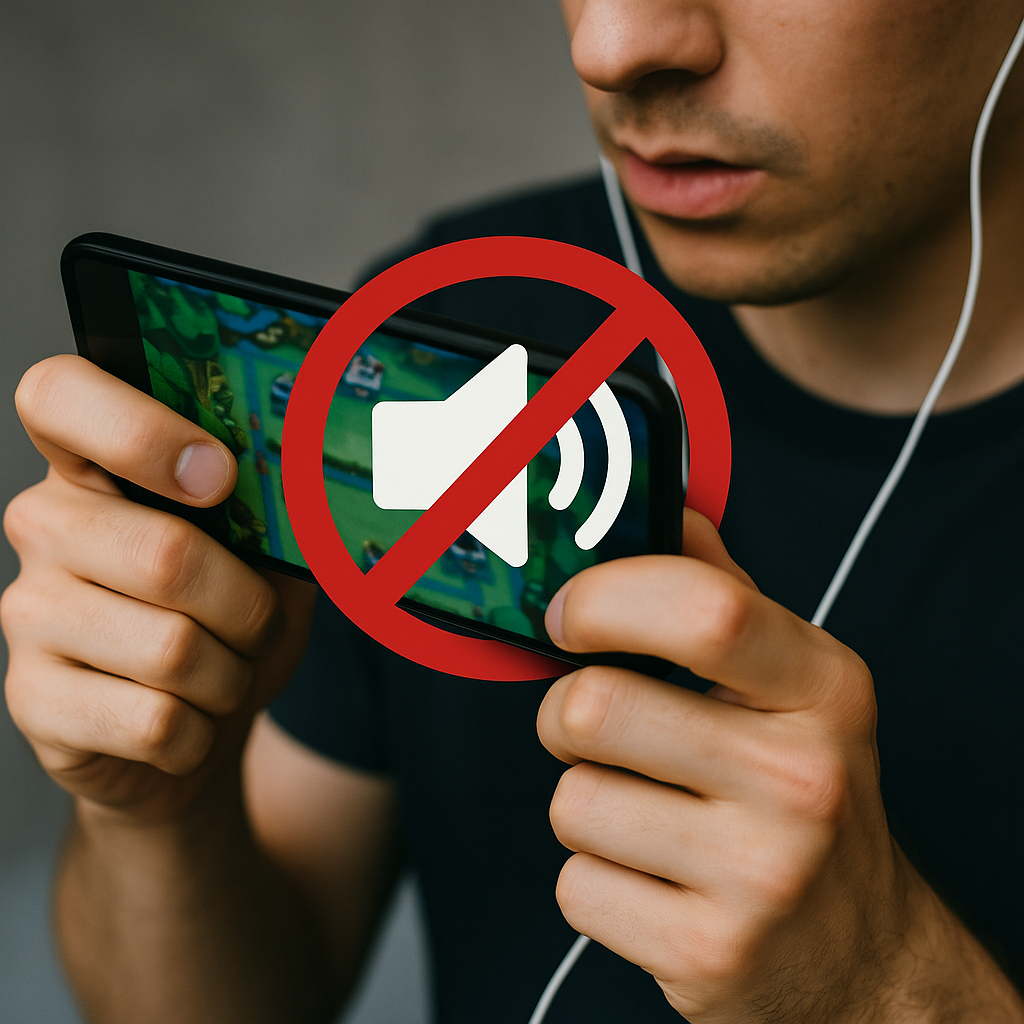
Confession: I used to play everything muted because I didn't want to be That Person on the train, and I didn't want to hunt for earbuds just to clear a few levels. Then I started paying attention to how much game audio is basically a cheat sheet. Not in a sweaty, esports way. More like, the game is already telling you what to do, and you're choosing to play on hard mode by turning it off.
Try this once: leave music off, leave effects on. That's the sweet spot for a lot of casual titles. Music loops are fine, but they get repetitive fast, and they can drown out the important stuff. Effects, though? Effects are information. In Clash Royale, the tiny cues (spawn sounds, card drops, tower hits) help you track the board without staring like you're defusing a bomb. In word and puzzle games, the little "correct" clicks keep your pacing steady, which is weirdly calming when you're playing as a wind-down.
Now the entertainment part, the one nobody tells you: you can make mobile gaming feel more like a mini show by choosing your audio intentionally. I have a couple go-to playlists that match the vibe. For cozy sessions (Stardew Valley mobile, Two Dots), I put on low-key instrumental stuff. For adrenaline junk food (Temple Run, Survivor.io), I go with faster tracks. It sounds silly until you realize you're basically scoring your own game, like you would in a Twitch stream where the music sets the whole mood. If you've ever watched a creator run the same game you play and thought, "Why does theirs look more fun?" a lot of it is audio.
Practical tip: if you're using AirPods or any Bluetooth buds, watch for audio delay. Rhythm-y games or tight-timing runners can feel "off" if the sound lands a fraction late. In those cases, swap to wired (if you still can) or just keep sound effects low and rely on visuals. And if you share space with other people, a single earbud is the compromise that saves friendships.
The 12-minute session rule for casual games
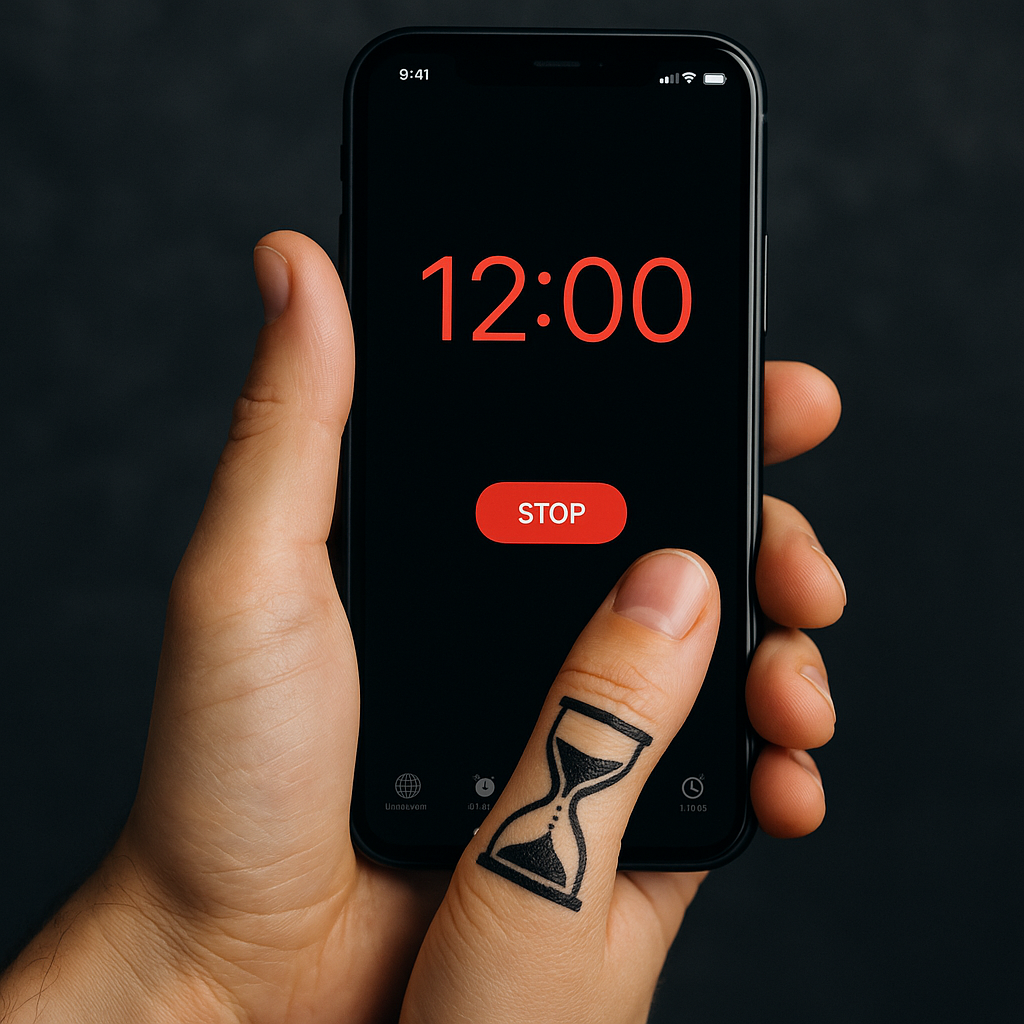
Mobile and casual games are built for tiny bursts, and then they quietly dare you to stay longer. The fun curve is real. For me it peaks, then it turns into autopilot, then it turns into "one more run" while I'm not even enjoying myself. So I started using a rule that feels almost dumb: 12 minutes.
Twelve minutes is long enough to get past the warm-up fumbles and hit a satisfying moment, but short enough that you don't slide into the ad-and-frustration swamp. It also maps nicely to how these games are paced. In a lot of gacha-ish or stamina-based titles, 10 to 15 minutes is where you can knock out dailies, open a couple chests, and do a run or two without getting sucked into an endless "claim reward" loop. If you're playing something like Pokémon GO, it's enough time for a quick walk around the block for a spin and a catch without it turning into a whole expedition. And if you're just trying to unwind with something like Solitaire or Wordscapes, it's a clean stop before your brain goes from relaxed to weirdly wired.
Here's how I make it stick without feeling like I'm self-policing. I set a timer, but not an angry one. A normal alarm sound feels like work. Pick something gentle. Better yet, use Screen Time (iPhone) or Digital Wellbeing (Android) to set an app limit for your worst offender game, then ignore it on days you truly have time. The point isn't purity. It's keeping casual gaming in the entertainment lane where it belongs.
And if the game has a "battle pass" or timed events, plan around them instead of stumbling into them. I check the event timer first, decide what I'm doing, then quit on purpose. Leaving on a win is underrated. Leaving because you ran out of patience feels like the game beat you, and nobody needs that from something you installed for fun.