
A thumb-only drill, one audio toggle, and a quick router check that saves ranked sessions.
Use the training range to fix your thumbs, not your aim
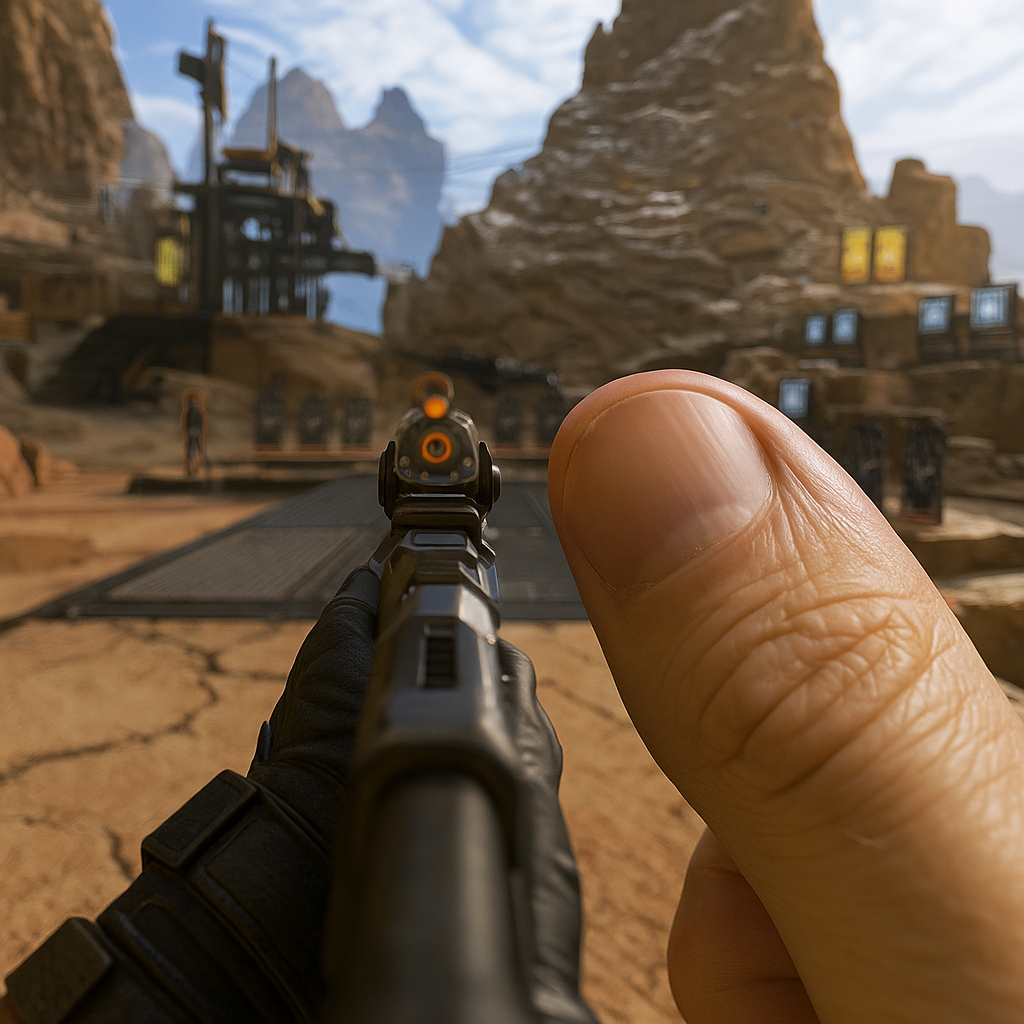
I don't use the training range to "dial in" aim. I use it to wake up my thumbs so my first online match isn't me learning my own controls while someone else is already sliding into my spawn. Two minutes, tops. The drill is boring on purpose: I stand at mid-range, pick one target, and do ten clean flicks left and ten right without firing early. Then I do ten short bursts where I'm only allowed to stop shooting after my crosshair is back on the target. It's less about recoil patterns and more about telling my hands, "This is the speed today." If you're on a phone, this matters even more because your friction changes with everything: dry winter hands, a slightly oily screen protector, even that moment when your thumb hits the edge of a case and drags.
Here's the online-play part people skip: I do it with my normal match audio and my normal voice chat routing. If you warm up in silence and then jump into a Discord call or in-game squad comms, your brain's timing shifts. That first "I heard steps" callout will make you overcorrect and you suddenly feel like your sensitivity got messed with. I also take five seconds to glance at my ping indicator in the lobby, not because I'm about to troubleshoot it (that's a whole thing), but because I want to know if I'm starting at 28 ms or 98 ms. If it's 98, I play safer in the first minute, pre-aim corners, and I stop blaming "desync" for every lost trade. It's amazing how many "bad games" are just cold hands plus a slightly delayed first engagement.
The one notification setting that stops mid-fight stutters
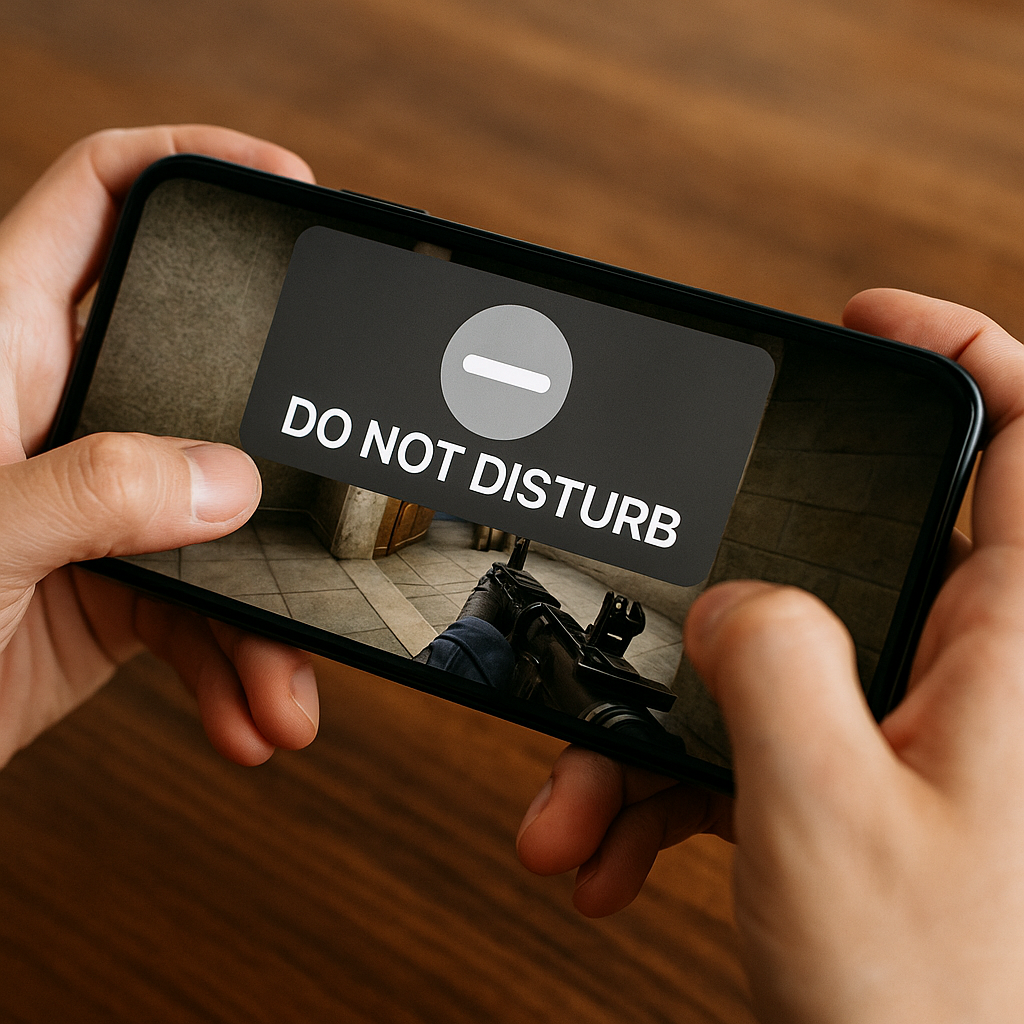
That little micro-freeze right as you swing a door isn't always your Wi-Fi. Half the time it's your own OS deciding it needs to show you a banner, sync photos, or pop a "low battery" warning in the exact frame you needed. The quickest fix I've found for mobile online play is not a magic graphics preset. It's making your phone shut up for the length of a match.
On Android, I turn on Do Not Disturb and I make it strict: no pop-ups, no sound, no vibration. Then I double-check two things people forget: I allow calls from nobody (sorry) and I disable "notifications on screen" so banners don't overlay even silently. On iPhone, I use Focus (usually a Gaming Focus) and I disable Time Sensitive notifications. Those are the sneaky ones that still punch through because Apple thinks they're important. They are not important when you're holding an angle in a 4v4.
Why this belongs in an Online Play listicle and not a generic phone-tip list: stutters change how you take fights. When you play ranked, you start pre-firing early because you're scared of the hitch, and then you run out of ammo mid-spray. You start avoiding close-range fights because a one-second freeze at shotgun distance is just death. And if you're on voice chat, the stutter often lines up with your mic going robot for a moment, so comms get messy right when your team needs a clean "two pushing B, one low" call. I learned this the hard way in a couple of BR endgames where my screen would hitch exactly once, always near the final circle. It wasn't the game. It was my phone trying to upload a video I took earlier.
If you want to be extra annoying (in a good way), take 20 seconds and check your battery mode too. Low Power Mode and "Battery Saver" can throttle background networking and CPU scheduling. Sometimes you get higher ping variance, sometimes you get input delay that feels like "heavy" aim. I don't care what your sensitivity number is if your phone is trying to conserve energy while you're trying to win a gunfight.
Kick everyone else off your match without starting a household war
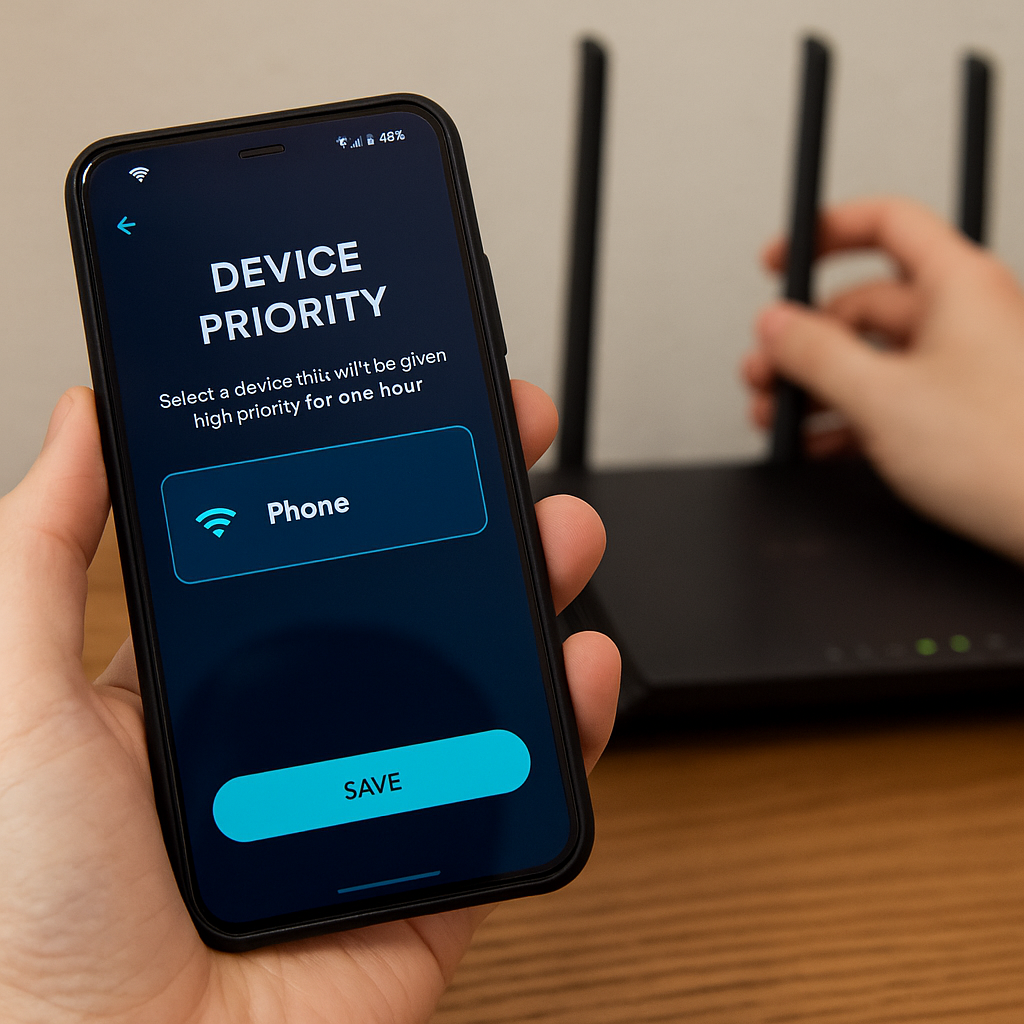
When my matches get that specific kind of janky where my ping looks fine but hit registration feels late, I assume someone in my house just started doing something loud on the network. Not "the internet is bad" loud. The other kind: a smart TV deciding it's time for a 4K update, a console downloading a patch, a laptop backing up to the cloud. Online play hates surprises more than it hates a slightly higher number. I'd rather sit at a steady 55 ms than bounce between 28 and 120 because the router is juggling bursts.
I don't go device-hunting. I log into the router app and I use the feature most people ignore: device priority or QoS. Eero calls it "Optimize for Conferencing and Gaming" on some models. Google Nest WiFi has device priority. ASUS routers have Adaptive QoS where you can literally drag Gaming to the top. Whatever you have, the move is the same. Pick your phone, set it to high priority for one hour, and stop there. You're not rewriting the household constitution. You're reserving a lane for the match.
Two practical notes from doing this a lot. First, set a timer. If you forget and leave your phone prioritized all night, you'll be the reason someone else's stream buffers and you will deserve the side-eye. Second, if your router lets you pick between "gaming" and "video conferencing" profiles, choose the one that prioritizes low latency packets over bulk throughput. You don't need 300 Mbps to play a mobile shooter. You need your inputs and state updates to arrive on time.
This is also where I check whether I'm accidentally on a crowded channel. If your router app shows 2.4 GHz and 5 GHz bands, I'll keep my phone on the band that gives stable signal where I sit, not the one that wins a speed test. Then I run one unranked queue and watch the ping graph (not the single ping number). If it looks like a saw blade, I'm not tilting into ranked. I'm fixing the lane first, because nothing cooks your mood faster than losing a close fight and wondering if it was your aim or your neighbor's Netflix.