
These are my go-to mobile games when I need five minutes, no data, and zero patience for ads.
Offline-first puzzle: the airplane-mode test
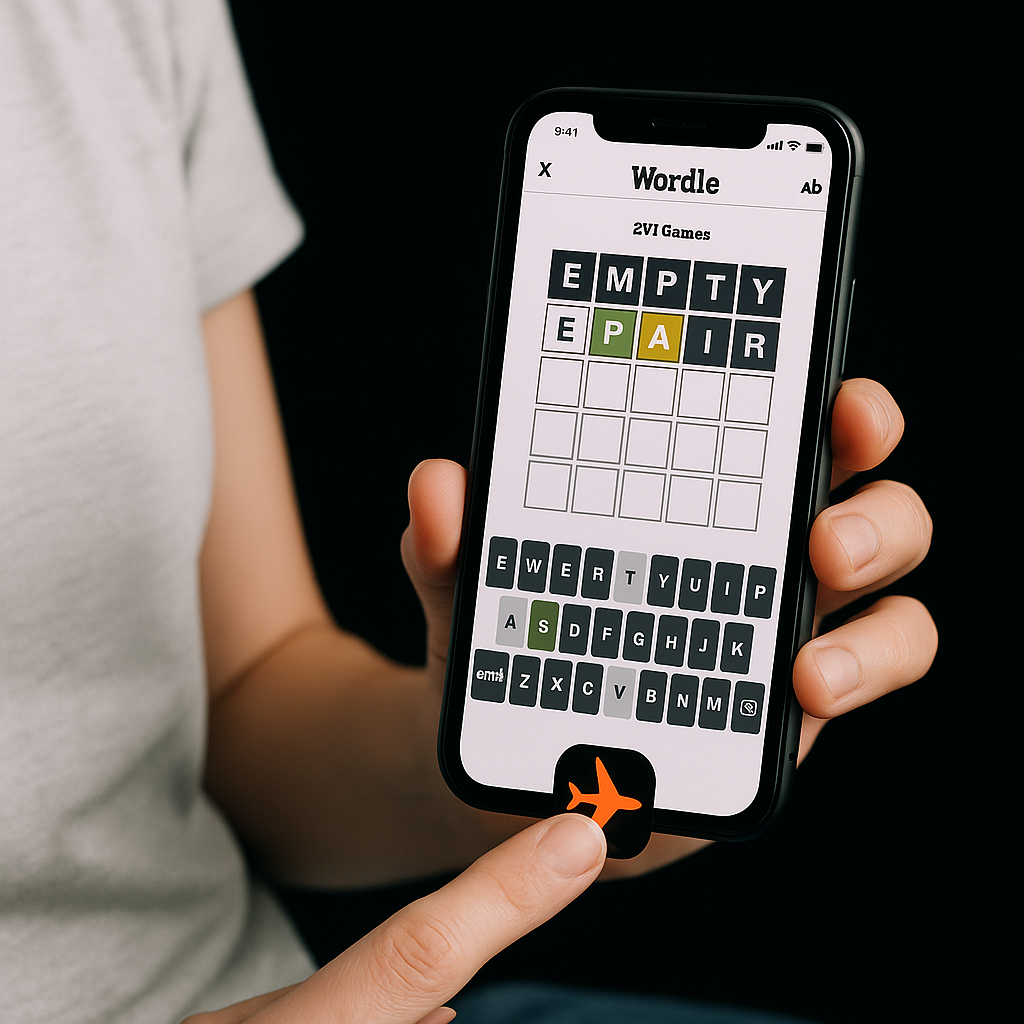
I don't mean "offline mode" buried in Settings, I mean the blunt version: you flip on airplane mode and hit play. If the app hangs on a spinning logo, tries to reload a home feed, or nags you to reconnect before it lets you do anything, it's not a waiting-room game, it's an attention funnel. The one that keeps passing that test for me is Wordle in the NYT Games app. It loads clean, it stays readable on a small phone, and there's no "energy" meter that makes you feel like you're being punished for playing.
The fun part is how controlled it is. One puzzle a day sounds stingy, but it turns out to be perfect for the exact moments casual gaming is supposed to cover: a dentist lobby, a stalled subway, the 3 minutes before a meeting starts when you can't commit to anything bigger. I like that the UI doesn't bounce around. Five guesses in, the keyboard is still where your thumbs expect it. And the haptics (if you leave them on) give you that tiny feedback click without being annoying. If you're on iOS, I keep Background App Refresh off for a lot of games, and this one doesn't care. That's a compliment.
Two practical notes from using it way too often: first, turn off notifications for the app unless you want a daily nudge at the worst possible time. Second, if you share results, do it after you leave the building. Nothing turns a calm little puzzle into a performance like a friend texting "how'd you only get it in 6?" while you're still in the chair.
A roguelike you can play with one thumb
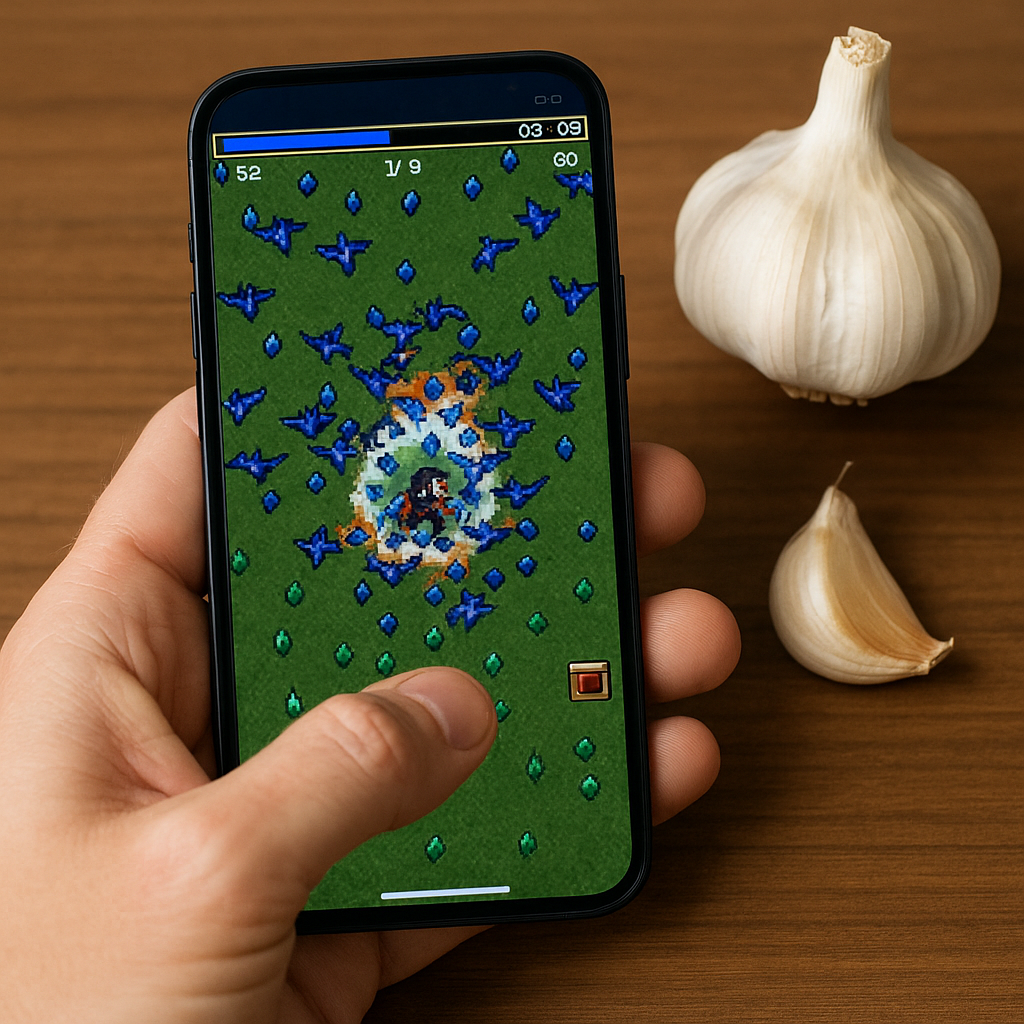
Vampire Survivors is the rare "I have 10 minutes" game that doesn't turn into "I need to sit down and focus." You basically steer, the attacks fire automatically, and the whole point is managing the chaos: do you grab the XP gems now and risk getting boxed in, or kite the swarm for another lap and hope the chest drops on your route? It sounds simple until you realize how much of it is tiny positional decisions, the kind you can make with one thumb while holding a coffee.
On mobile, the thing I appreciate is how honest the friction is. If you die, it's because you got greedy for a pickup or you chose a weird upgrade path, not because you ran out of "lives" or the game quietly upped the enemy damage to push you into a bundle. The upgrade choices are fast reads on a phone screen, too. You see "Garlic" or "Axe" and you already know what kind of run you're about to have. I keep the sound low and leave haptics on because the little buzz when you level up is enough to anchor the pace without blasting a soundtrack in public.
Where it fits the Mobile Apps lens is in the way it respects interruptions. If I need to lock my phone to answer something, I can. If I'm on spotty Wi-Fi, it doesn't punish me with a reconnect dialog mid-run. It also doesn't demand a login to "save" you every 90 seconds. One warning from experience: if you hand this to someone who doesn't game, they will drift their thumb like it's a joystick and wonder why they're stuck. Tell them it's more like sliding a magnet around a table. Slow inputs, deliberate arcs. Then watch them get way too invested in a run that started as "just a minute."
The no-ads fallback: a paid classic you install once
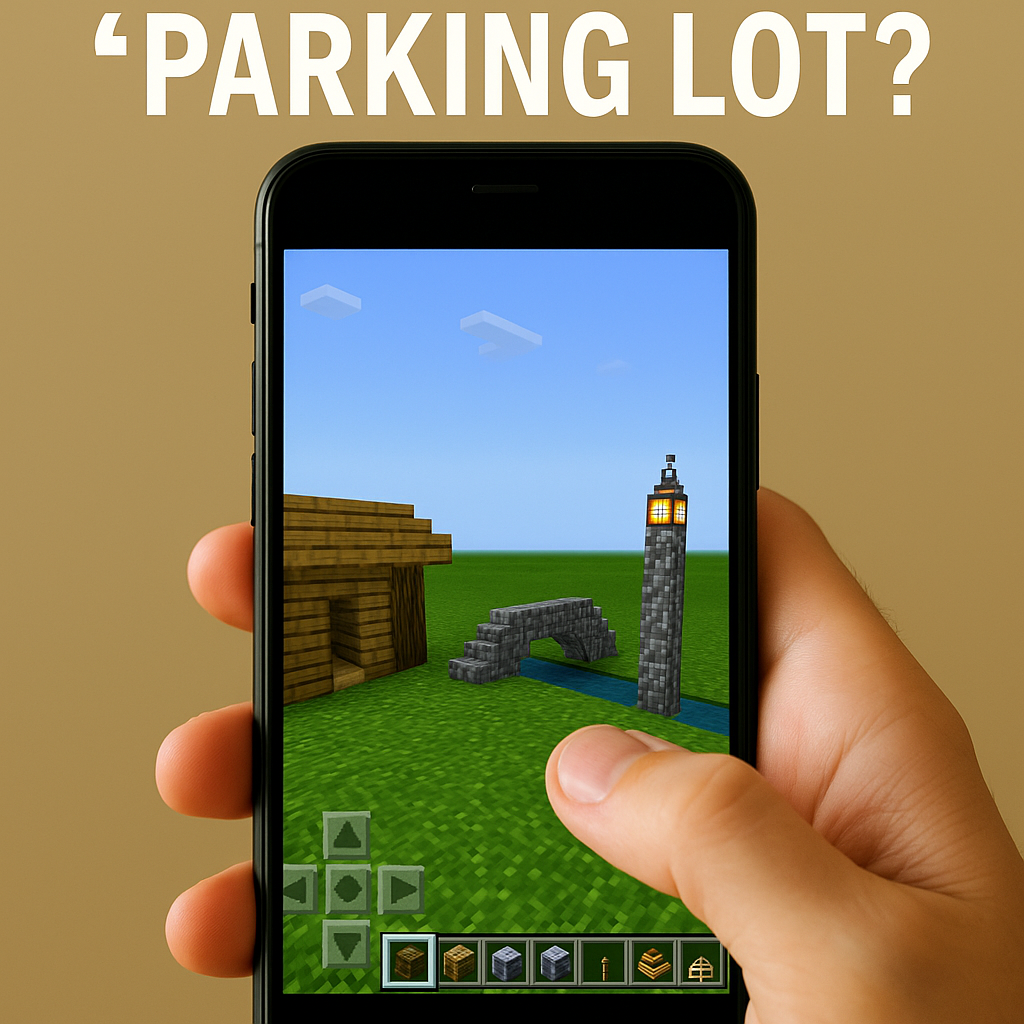
When I'm tired and my tolerance for "watch this 30-second video to continue" is at zero, Minecraft (the mobile Bedrock Edition) is the app I open. Not because it's small or light, but because it's predictable. I paid for it once, it isn't built around a reward track, and I can set up a world that behaves the same way every time I come back. That's underrated on phones, where so many "free" games feel like the UI changes weekly just to keep you clicking.
My go-to setup is a flat creative world named something boring like "Parking Lot." I keep a little strip of useful blocks in the hotbar (wood, glass, lanterns, water, and a stack of rails because rails are satisfying on touch controls). If I'm killing five minutes, I build one small thing: a tiny cabin, a bridge, a lighthouse that is mostly me trying to place stairs without mis-tapping. Touch controls are the one place the mobile version can be annoying, so I lean into builds that don't require precision. Big shapes. Symmetry that doesn't need a ruler. If you play on iPad, it feels better, but this is still totally workable on a phone if you stop trying to be an architect.
Two quick mobile-app realities that make this worth having installed: it works fine offline once the game is on your device, and it's great at surviving interruptions. You can lock your screen, come back, and your world isn't gone because a session token expired. Also, if you're bouncing between iPhone and Android in a household, you can keep it simple by not overcomplicating accounts. For a personal "calm down" build world, local is enough. Save the sign-ins for when you truly want cross-device sync. Most days, I don't.