
Turn on the tiny toggles that stop lag spikes, thumb-slip deaths, and battery panic mid-run.
Lock your FPS before you touch the first menu
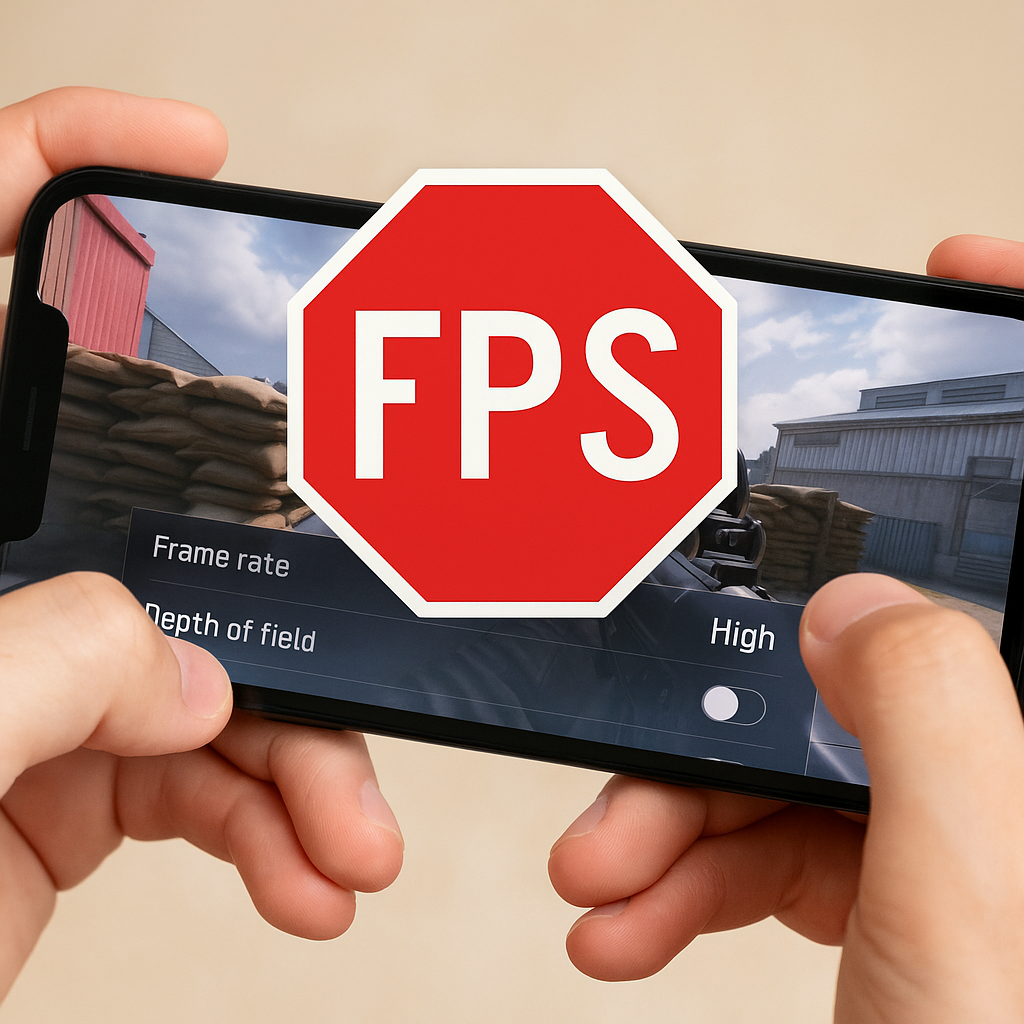
If I know I am about to play for more than 20 minutes, I set the framerate target first, even before sensitivity. It sounds backwards until you have died in a mobile shooter because your phone decided to dip from 60 to 32 fps the moment a smoke grenade popped. That hiccup is the difference between tracking cleanly and dragging your crosshair like it is stuck in syrup. Same deal in fast action games like Call of Duty: Mobile, PUBG Mobile, or even Genshin when a big burst animation goes off and your dodge timing gets weird.
On iPhone, the sneaky culprit is usually heat plus brightness plus whatever refresh mode your device is trying to hold. If your game has a toggle for 60 fps, 90, or 120, pick the one your phone can hold without cooking itself. I will take a steady 60 over a “sometimes 120” every time. On Android, I do the same thing, and I also check the phone's display refresh setting because some models will bounce between 60 and 120 to save power, which can make input feel inconsistent in rhythm games.
Practical test: go stand in the busiest hub area (the main lobby, the world boss arena, the ranked queue screen with animated backgrounds), spin the camera for 15 seconds, and watch for stutter. If it stutters there, it will stutter when it matters. Dial down shadows and motion blur before you get emotionally attached to your K/D. If you are streaming to Discord or screen recording, assume you need to lower one more notch, because that extra workload is the silent frame killer.
Turn off battery tricks that mess with input
Battery saver modes are the reason some mobile games feel “fine” in the tutorial and then mysteriously mushy in ranked. They do more than dim the screen. They restrict background processes, cap performance cores, and sometimes clamp refresh rate. That last part is brutal in games where timing is the whole point, like rhythm titles, fighting games with tight windows, and anything with animation-cancel habits you learned the hard way.
My routine is boring but it works: if I am about to queue, I disable Battery Saver (Android) or Low Power Mode (iOS). Then I check the game's own power setting because a lot of mobile ports have a “balanced” profile that quietly underclocks to avoid heat complaints. If you are playing something like Honkai: Star Rail or Diablo Immortal, that profile can turn big combat into a slideshow exactly when the screen fills with effects. In a MOBA like Wild Rift, it shows up as the tiny delay where your skill shot releases a beat after you swear you tapped.
There is also a specific “gotcha” I ran into on Android: some OEM battery managers love to “optimize” apps you play daily. They will put your game in a restricted bucket after a patch, and suddenly you get more hitching, more reconnects, or audio desync. I now go into the app's battery setting and set it to Unrestricted for the handful of games I actually play seriously. If you use Bluetooth earbuds, do one more thing: toggle Bluetooth off and on before you start. If my audio is going to drift out of sync in a rhythm game, it usually happens in the first song, and I would rather find out then than on a full combo attempt.
Yes, it costs battery. That is the point. I would rather plug in than lose a match to “performance optimization.”
Fix your touch controls like you're setting up a controller
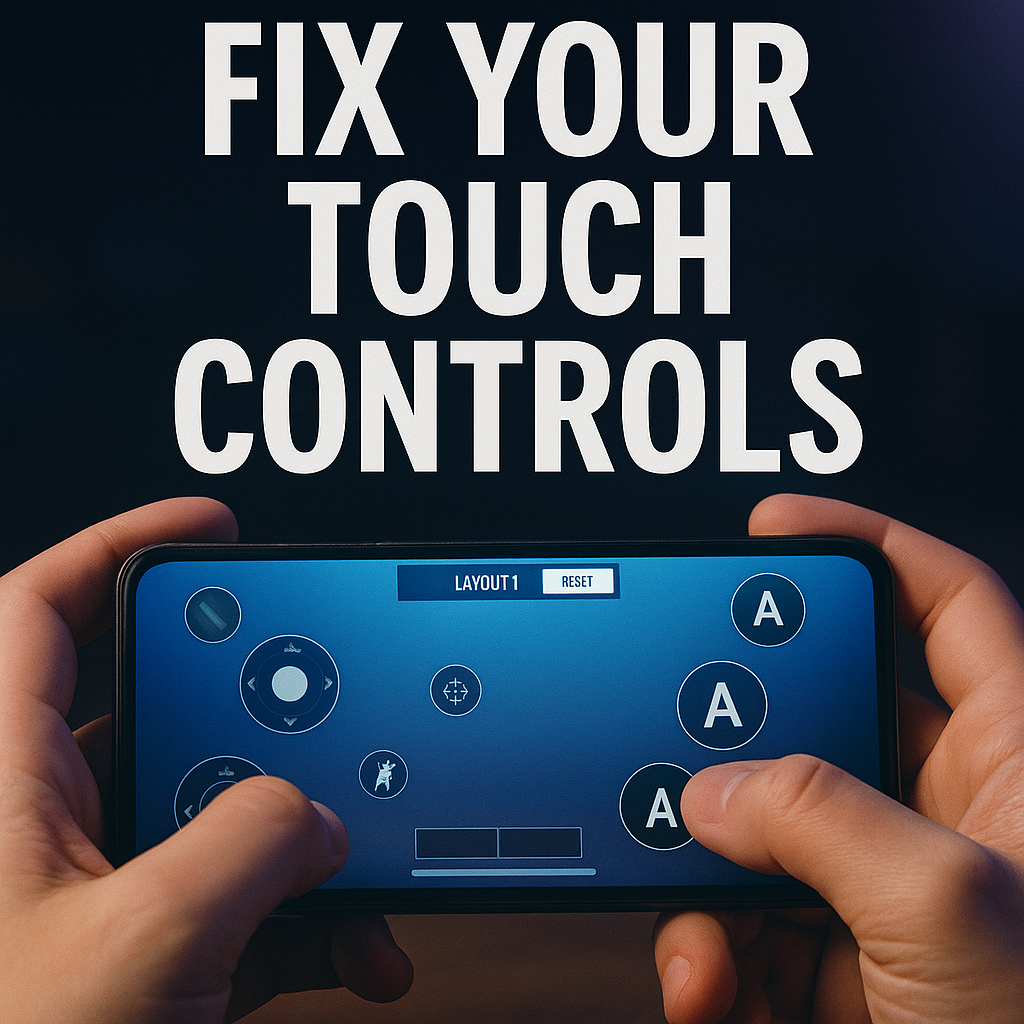
People treat mobile controls like something you “get used to.” I treat them like controller bindings. The default HUD is designed to be acceptable on every phone, which means it is perfect for nobody. The first thing I do is open the game's layout editor and move two things: my main action button and my camera area. If those fight each other, every other tweak is lipstick.
In shooters (COD Mobile, Apex Legends Mobile when it was around, PUBG Mobile), I want the fire button big enough that I never miss it under stress, but not so big that my thumb rides it and blocks my view. I also separate aim and fire if the game allows it, because accidental shots give away your position. In MOBAs (Wild Rift, Mobile Legends), I pull the minimap slightly inward so I can glance without doing a full eye dart to the corner, and I increase the size of the “attack minion” style buttons so last-hitting is not a prayer.
Then the unglamorous part: screen cleanliness. If your phone case has a raised lip, your thumb will catch it on fast swipes. That one tiny snag is how you lose a fight and then blame matchmaking. I have literally switched to a thinner case for a season because it made my flicks more consistent. Wipe your screen with a microfiber cloth, not your shirt. A slightly greasy screen makes aim assist feel like it turned off.
Finally, if your game supports controller (Backbone One, Xbox pad, DualSense), decide now whether you are committing. Mixing touch some days and controller other days is like changing sensitivity every match. If you are touch-only, save your HUD profile and screenshot it. Updates love to reset layouts, and nothing ruins a session faster than logging in and realizing your dodge button moved an inch to the left.